Mimi Color: Color by Numbers Mobile App
Tap the numbers. Finish the picture.
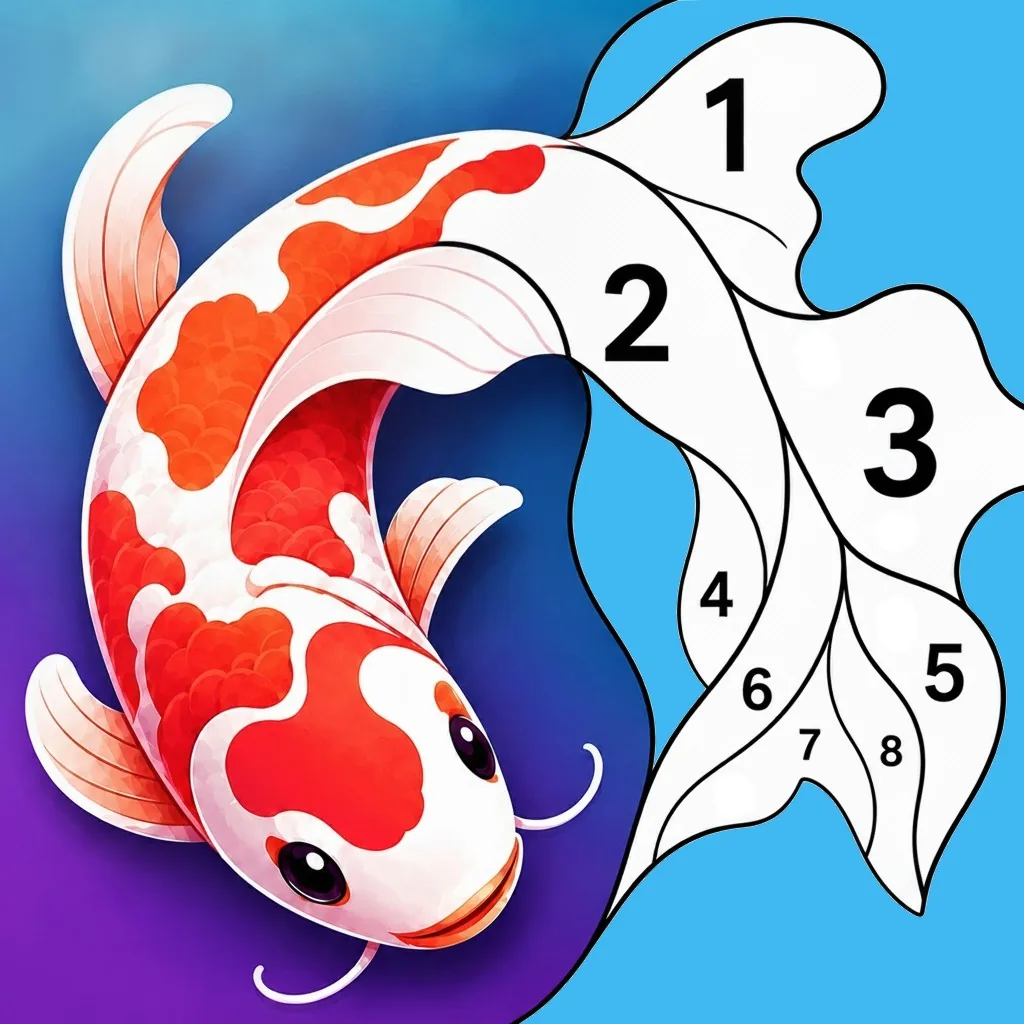
Mimi Color is a color by numbers app for phones and tablets. If you can tap the screen, you can finish a painting. Open a picture, pick a color, and tap every area marked with that number. Zoom in when the areas are small, and come back later. Your picture is still there.

Find a painting in the app
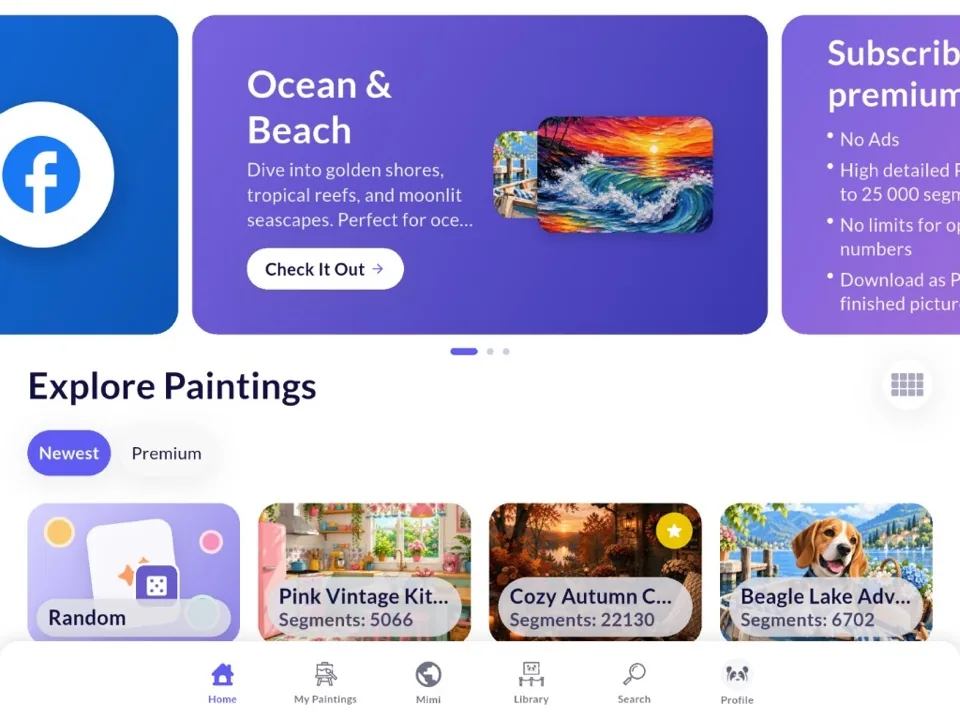
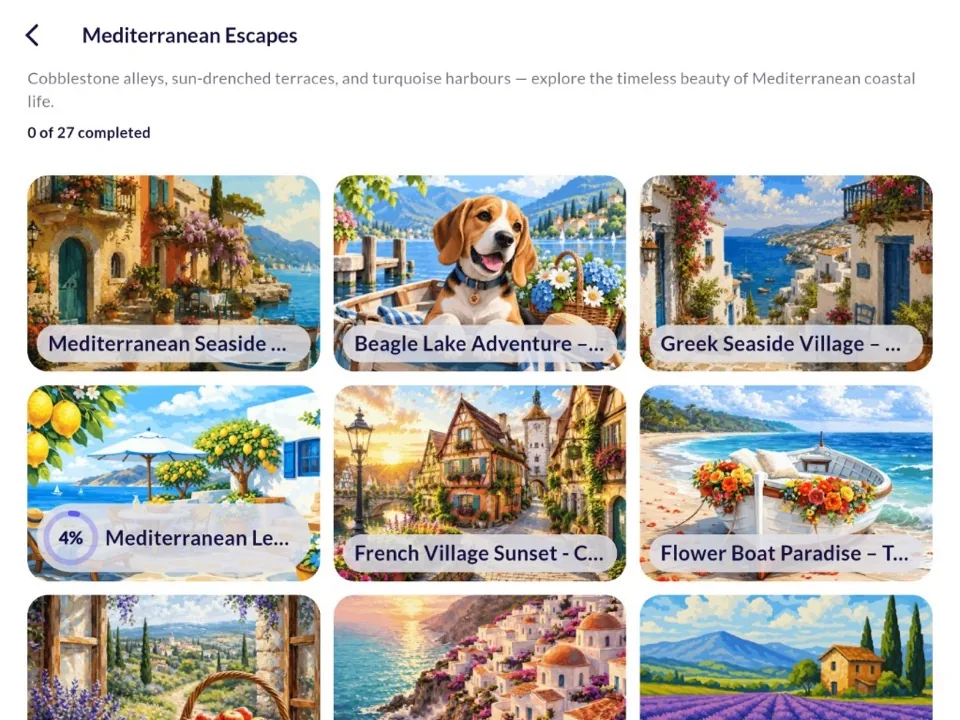
Mimi Color includes many color by numbers pictures. Open the newest ones, browse a collection, or search for a subject such as animals, flowers, or a beach.
How to color a picture
The colors are in a row at the bottom. Tap a color, then tap every area that shows that number. Pinch to zoom in. Drag to move around the picture.
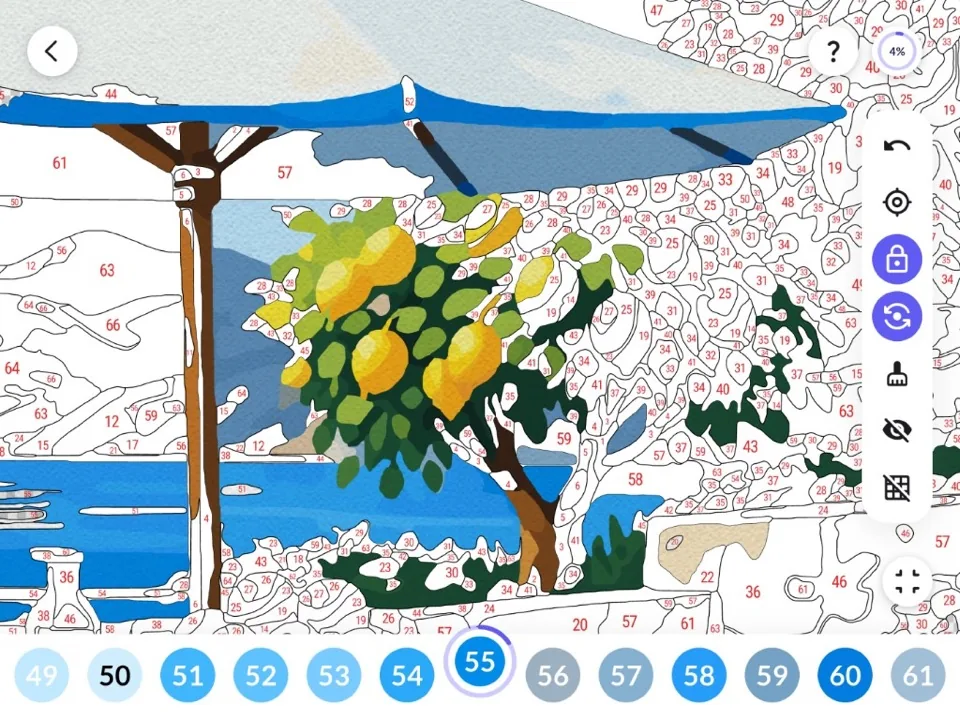
- Target Jumps to the next empty area for the color you picked.
- Lock Stops a tap when that area needs a different color.
- Auto-fill Press and hold an area to fill it with the right color.
- Erase Clears a filled area so you can color it again.
- Undo Removes the last area you filled.
- Hide numbers Hides the numbers so you can see the picture.
- Hide edges Hides the lines between areas.
- Fit to screen Zooms back out to the whole picture.
Your progress is saved
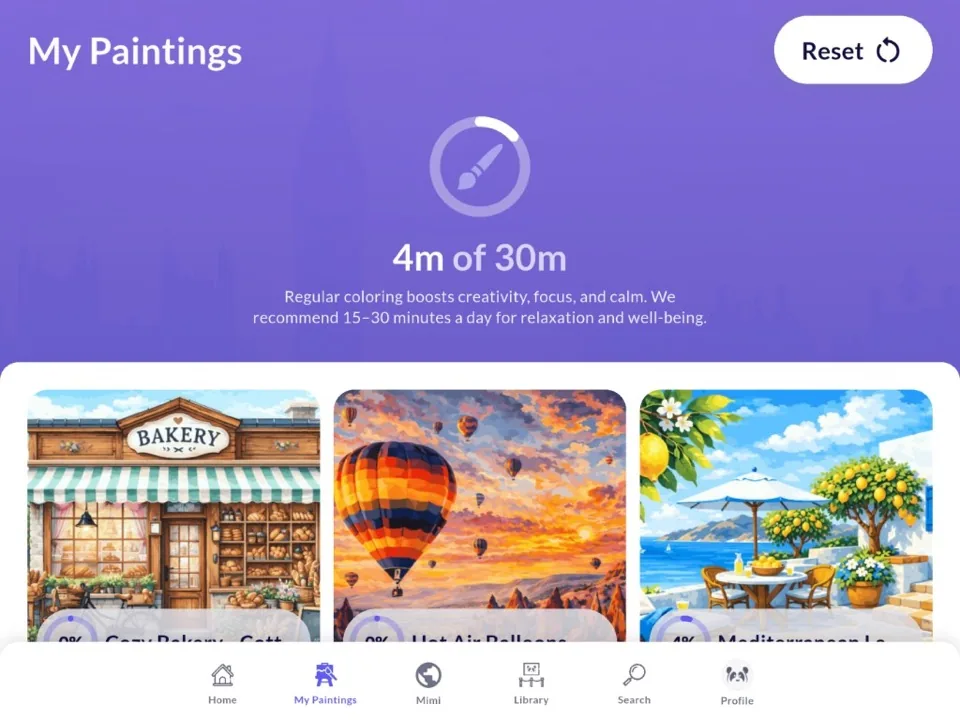
My Paintings lists every picture you started and shows how much of it is done. A ring at the top counts the minutes you have colored today. About 15 to 30 minutes is a good session.
The Mimi Color community
The Facebook group is where people who use Mimi Color meet. Share a painting, try the mystery picture, and help choose what comes next. You can post a work in progress, ask a question, and see what others are coloring.

Mystery picture
Color a surprise paint by numbers. The finished picture stays hidden until the reveal.
Challenges
Join a coloring challenge, share your progress, and see the results.
Your vote
Vote on upcoming paintings and suggest ideas for new ones.
Tips and treats
Pick up a short tip, and sometimes a discount or a small gift for the group.
How to color your own paint by numbers
You make the paint by numbers on the Mimi Panda website. Mimi Color is the app where you color it.
-
1
Create a paint by numbers
Create the paint by numbers on the Mimi Panda website, or open one you already saved.
-
2
-
3
Generate a QR code
In your profile, generate a QR code. Open Mimi Color and scan that code. This links the app to your account.
-
4
Paint it in the app
Your paint by numbers then appear in the app. Pick a color and tap the areas with that number, the same way you color any other picture in Mimi Color.
Questions about Mimi Color
Plain answers about the color by numbers app, your own paintings, and connecting a Mimi Panda account.
Still have questions? We’re here to help!

- Access to high detailed paint by numbers.
- Up to 25 paint by numbers in progress.
- Download a colored paint by numbers picture.
- No ads.