Virtual Artist Lab
Virtual Artist Lab is Mimi Panda's free suite of browser-based creative tools — color online, mix paint colors, generate palettes, and turn any photo into a drawing grid. No downloads, no experience required, just open a tool and start creating.

 Free to Use
- No Software to Install
- Made for All Skill Levels
One Lab, a Growing Set of Creative Tools
No Experience Needed
Every tool is guided step by step, so first-time artists and kids can jump in as easily as professionals.
Browser-Based Tools
Nothing to install. Every tool runs online on desktop, tablet, or phone.
Built on Real Art Fundamentals
Color mixing, palettes, and grid tracing follow the same methods traditional painters use offline.
Free & Premium Options
Start creating for free, then sign up to save your work and unlock premium exports.
Choose Your Tool and Start Creating
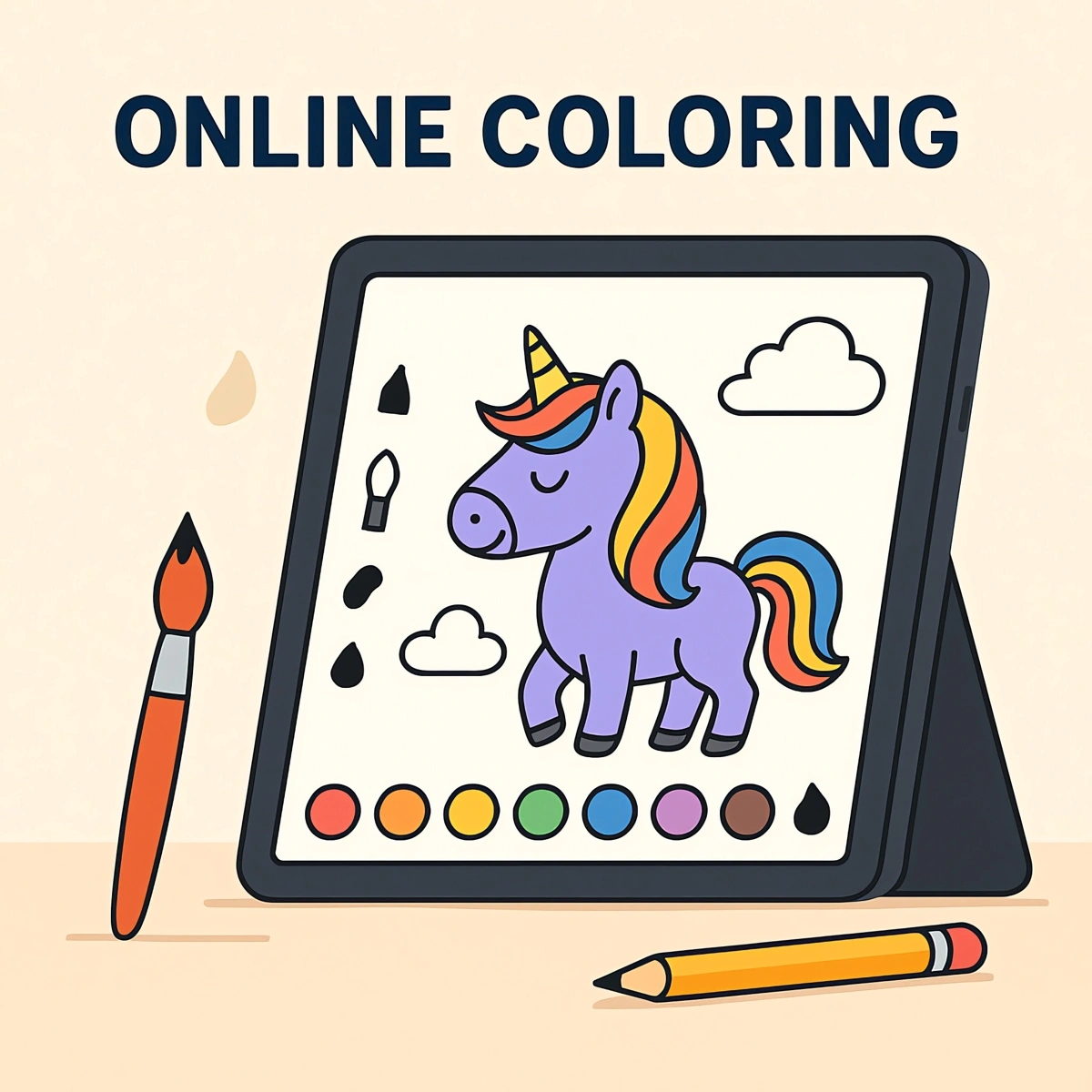
Online Coloring Editor

Color thousands of ready-made pages or your own photo right in your browser, with brushes, fill buckets, and a full color library.
No downloads, no installs — pick a page from the catalog or upload a photo, and start coloring instantly on desktop, tablet, or phone.
- 5,000+ ready-made coloring pages, or upload your own photo
- Brushes, fill buckets, shapes, text, and a full color library
- Download or print your finished coloring page anytime
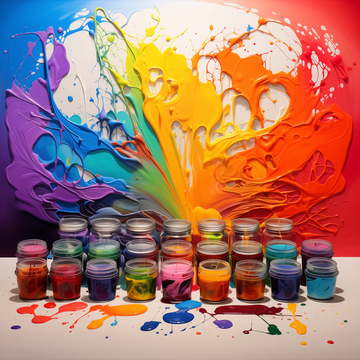
Colors Mixing Tool
Learn how paints combine using the RYB color wheel — mix any two colors and see the exact shade you'll get on canvas.
It's the same color theory traditional painters rely on, made interactive so you can experiment before you ever touch a brush.
- See exactly what happens when you mix any two paint colors
- Based on the RYB color wheel used by traditional painters
- Plan your palette before you pick up a brush
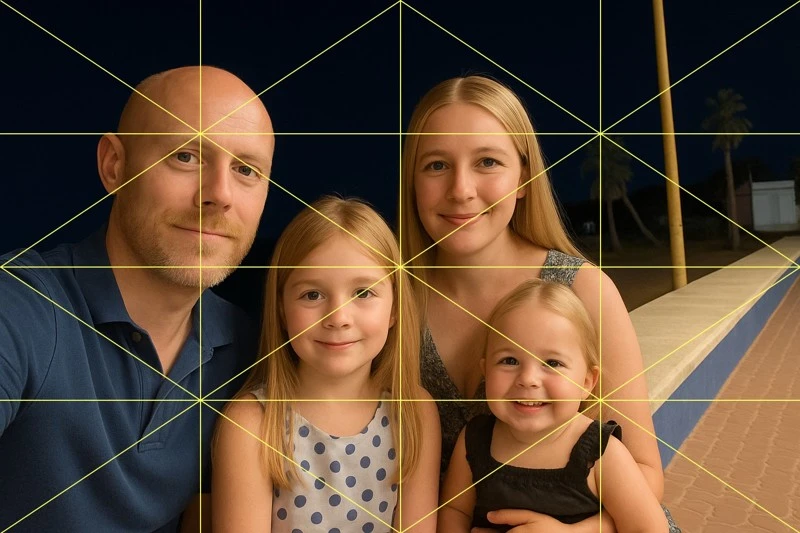
Grid Maker
Turn any photo into a grid overlay so you can scale and trace it accurately onto paper or canvas.
Perfect for the classic grid method: keep proportions correct on a large painting or enlarge a small reference photo with confidence.
- Upload any photo and get a clean, evenly spaced grid overlay
- Choose square or diagonal guides to fit your drawing style
- Scale a reference photo accurately onto paper or canvas
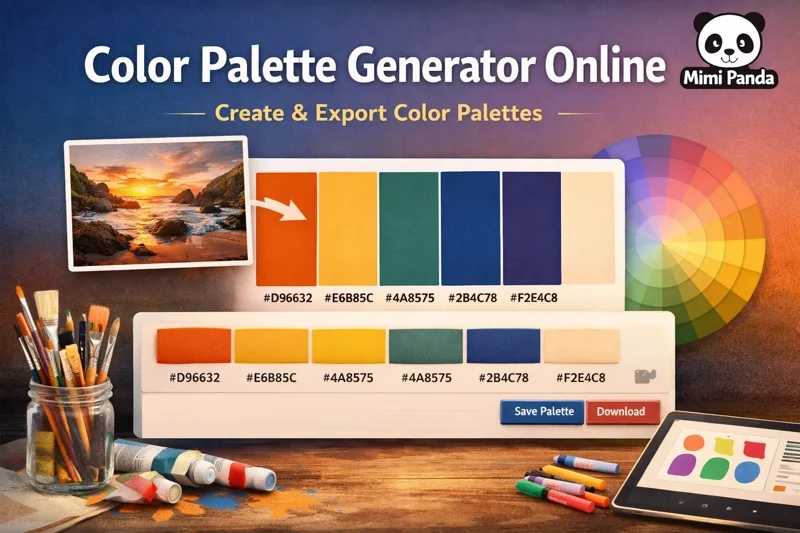
Color Palette Generator
Generate a harmonious color palette from any seed color or photo, then export it for painting, design, or digital art.
Choose a harmony rule, fine-tune the result, and save your palette so it's ready whenever inspiration strikes.
- Generate a palette from any seed color or photo in one click
- Choose harmony rules like complementary, triadic, and more
- Export your palette for painting, design, or digital art
From Blank Page to Finished Art in Four Steps
1. Pick Your Tool
2. Upload or Start Fresh

3. Customize Your Way

4. Save and Share
FAQ for the Virtual Artist Lab
Quick answers about the Virtual Artist Lab tools, pricing, and which one to try first.
Still have questions?
Contact Mimi Panda support