Free AI art filters: turn your photos into art
Make a watercolor portrait, an oil painting of your pet, or a cartoon version of yourself. Choose an artistic style and let AI reinterpret your photo with new colors, lines, and textures.
Convert up to 2 images for free every 7 days. No account required. The limit is shared across Mimi Panda converters.
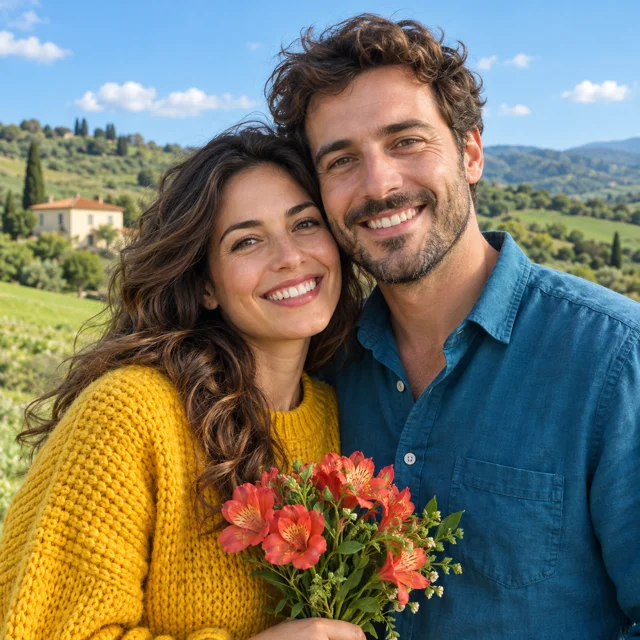
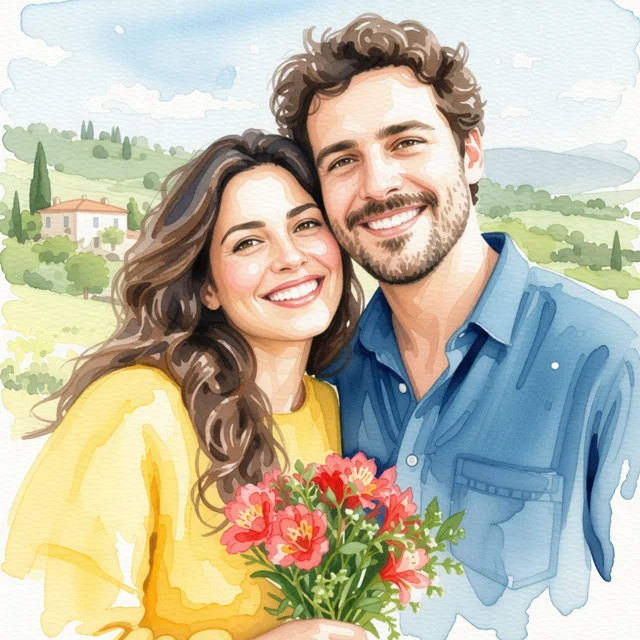
Real Mimi Panda filter results using one shared sample photo. Your artwork will be generated from your own image.
Create your artwork here
Upload a photo and choose an art style. Convert up to 2 images for free every 7 days.
A photo-to-art studio in your browser
Mimi Panda AI Filters turns an uploaded photo into a new artistic image using a preset style. Choose watercolor, oil painting, pencil sketch, cartoon, anime, or craft-inspired effects. AI redraws the scene in your chosen medium; colors, textures, and some details can change.
- Start with
- Your photo, up to 20 MB
- Create
- A digital artwork in a chosen style
- Access
- Convert up to 2 images for free every 7 days. No account required. The limit is shared across Mimi Panda converters.
One photo, a gallery of artistic possibilities
Compare watercolor washes, thick oil-paint textures, soft gouache, and expressive ink. These 29 previews show selected Painting styles and Vector General from Mimi Panda. Use the form above for the full collection, including Drawing, Illustration, Art, Craft, and more.
Which art filter fits your idea?
WatercolorSoft color washes for personal cards and gentle portraits.
Oil PaintingRich brush texture for portrait keepsakes and painted studies.
CartoonBold shapes and playful characters for profile pictures.
AnimeIllustrated character portraits, from anime to chibi and kawaii.
Pencil sketchDrawn lines and shading for sketchbook inspiration.
Craft effectsEmbroidery, paper cut, and mosaic looks for creative mood boards.

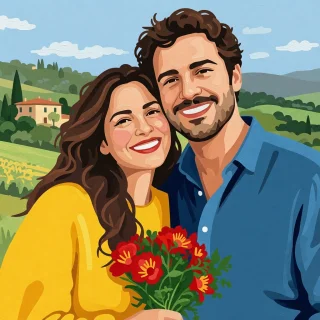
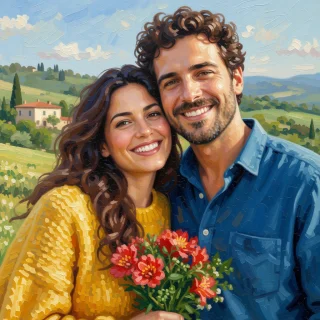
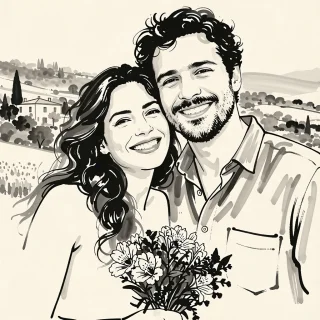
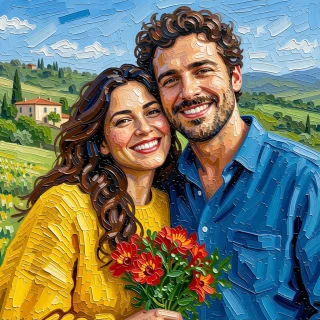

See all 29 style previews
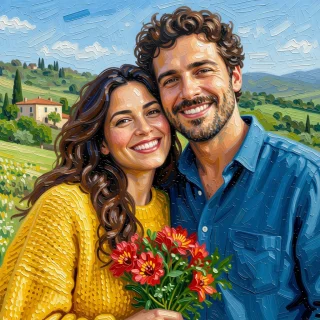
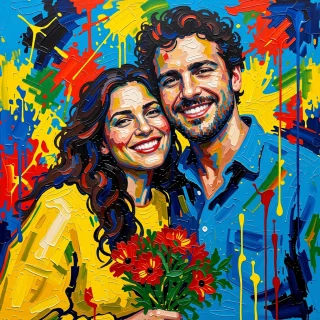
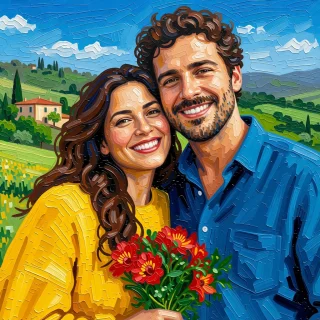
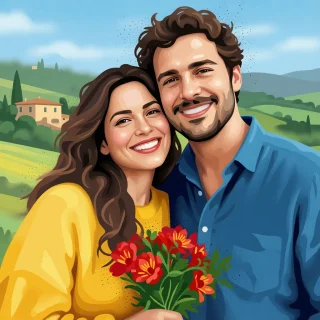

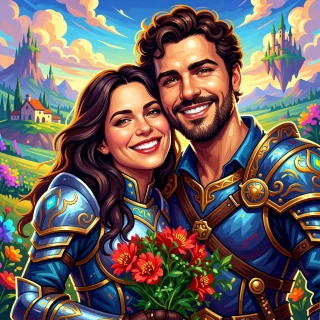
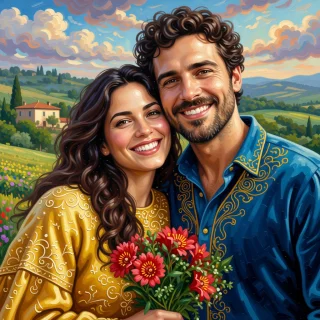
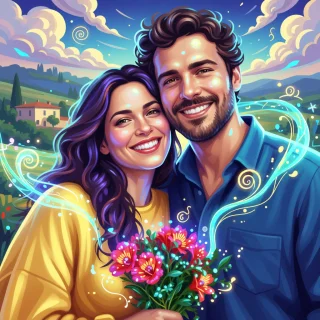
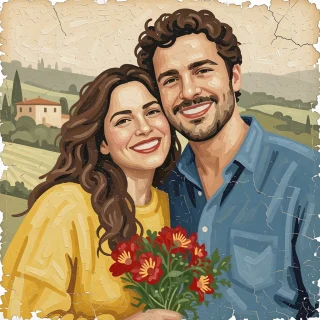
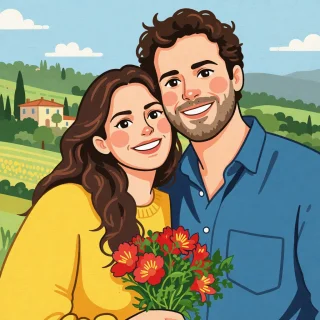
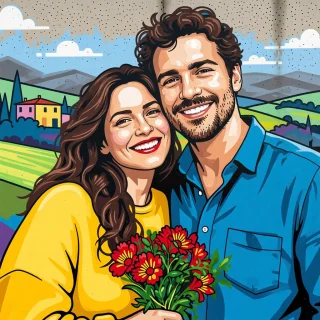
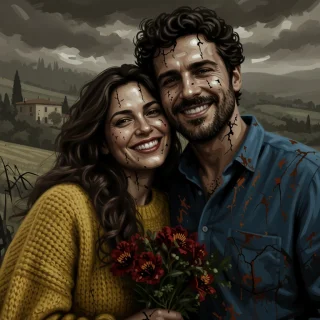
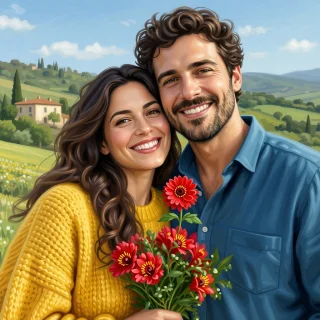
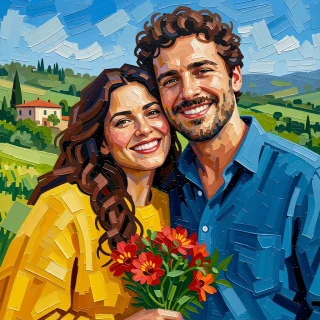
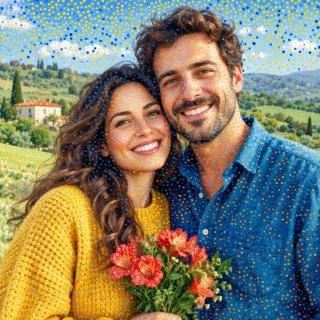
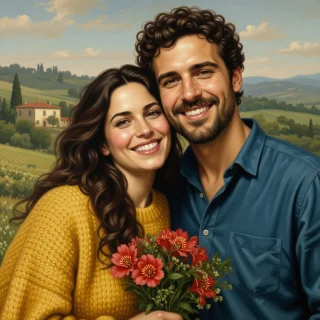
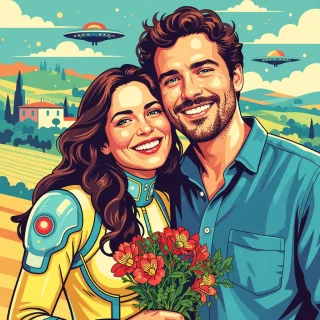
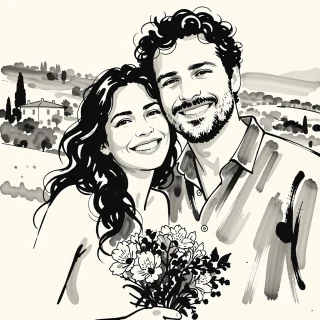
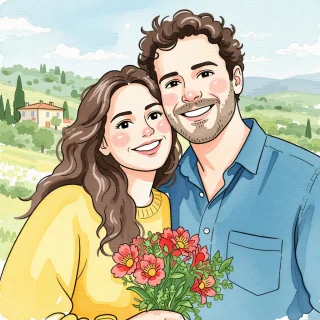


Looking for pencil sketch, anime, cartoon, or embroidery effects? You can select those styles in the form above. They are not pictured in this preview gallery.
What can you create with AI photo filters?
Start with the result you want. Here are creative ways to turn a favorite photo into something you can share, give, or use as inspiration for your next art project.
Photo to watercolor: a portrait for a personal card
Start with a bright portrait or couple photo. Choose Painting > Watercolor for soft washes and delicate edges. Save a watercolor-style portrait to place in a birthday card, anniversary note, or invitation design.
Watercolor on White Background is another option when you want an airy painted look.
Photo to oil painting: a pet portrait keepsake
Use a clear photo of your dog or cat and choose Painting > Oil Painting. The result is a digital pet portrait with painted texture, ready to save as a keepsake or try in a small framed print after checking the image size.
For a bolder painted surface, compare Impasto and Palette Knife.
Photo to cartoon: a playful profile picture
Upload a close portrait and choose Illustration > Cartoon or 3D > Character > Cartoon Cute. Create a colorful character version of yourself for a social avatar, gaming profile, or personal project.
Crop to one face first so the character remains easy to recognize at a small size.
Photo to anime: a character-inspired avatar
Try Illustration > Anime for an anime-style portrait, Chibi for a small cute character, or Kawaii for a sweeter look. Use the saved image as an avatar or a starting point for character ideas.
AI reinterprets facial features, so compare a few results before choosing a favorite.
Photo to sketch: a reference for drawing practice
Choose Drawing > Pencil, Graphite, or Charcoal to explore a drawn version of a portrait or still life. Use the result to study shading, compare marks, or plan a drawing in your own sketchbook.
Keep the original photo beside the AI result when studying proportions and real details.
Photo to painting: landscape art for your wall
Start with a travel photo, garden, or favorite view. Try Painting > Impressionism Painting Style for broken color, Gouache for matte shapes, or Acrylic for bold painted edges. Save a digital landscape study or test a print.
For larger prints, check resolution and inspect the artwork before ordering.
Storybook art: an illustration for a family project
Choose Painting > Children Book Art or Illustration > Children's book to reinterpret a family photo as a warm storybook-style scene. Use it as an illustration for a personal memory book or a story you are making at home.
Generate each scene separately and review the details; characters may vary between images.
Craft effects: a handmade look for your mood board
Explore Craft > Embroidery, Paper Cut, Mosaic, or Stained Glass to see your subject in another material. Save the image as a visual direction for a craft project, collage, or decorative art study.
The result is a digital image of the style, rather than a stitch pattern or production template.
How to turn a photo into art online
No prompt writing or software installation is needed. Upload a photo in the form above, choose a style, and generate your artwork.
Upload a clear photo
Upload a JPG, PNG, WebP, HEIC, or HEIF image up to 20 MB in the form above. You can convert up to 2 images for free every 7 days without an account.
Choose your artistic style
Choose a popular style or search the full collection for watercolor, pencil, anime, or oil painting. Click Generate artwork to start.
Review and save your artwork
Your finished artwork appears in the form above. Compare it with your original photo, download the result, or try another style.
Give your art filter a good starting point
Use even lighting, a sharp subject, and a simple composition. Crop away distractions before uploading. Some styles transform faces and backgrounds strongly; the result is a creative reinterpretation and can include unexpected details.
AI art filters: your questions answered
Choose the right style and know what to expect before turning your photo into artwork.
What are AI art filters?
AI art filters reinterpret an uploaded photo in a chosen visual style. Instead of only adjusting color or contrast, they can redraw the subject with painted brushstrokes, ink lines, cartoon shapes, or other artistic textures.
How do I turn a photo into a painting?
Upload a photo in the form on this page and choose a Painting style such as Watercolor, Oil Painting, Gouache, or Impressionism. Generate your artwork, then review and save the result.
Which AI filter should I use for a portrait or pet photo?
Try Watercolor for a soft portrait, Oil Painting for a textured keepsake, or Illustration > Cartoon for a playful character. Use a clear photo with one main subject. AI may change facial features, fur markings, or background details.
Can I turn a photo into a sketch, cartoon, or anime image?
Yes. Choose Pencil, Graphite, or Charcoal in Drawing; Cartoon or Anime in Illustration; or Comic Book Style in Art. The gallery on this page shows selected Painting styles and Vector General; all styles can be selected in the free converter above.
Are Mimi Panda AI filters free?
Yes. This is a free photo-to-art converter: you can convert up to 2 images every 7 days without an account. The limit is shared across Mimi Panda converters. Browsing style examples is free and does not use your conversions. For more conversions, create an account and use account credits.
How does the free limit work?
You can request up to 2 free image conversions in a 7-day period. The period starts with your first conversion request. Applying another style to the same photo counts as another conversion. The limit is shared across Mimi Panda converters and does not reset when you switch tools.
Which image formats can I upload?
AI Filters accepts JPG, JPEG, PNG, WebP, HEIC, and HEIF images up to 20 MB. Choose a sharp, well-lit photo and crop away distracting objects for a clearer subject.
Will the AI filter keep my photo exactly the same?
The uploaded photo guides the result, but AI can change faces, small details, proportions, and backgrounds. There is no filter-strength control in the current form. Try a different style or another generation if the first result does not suit your idea.
Can I use the result for a gift or a painting reference?
You can save the digital artwork and use it as a starting point for a personal card, portrait gift, or painting study. Check the downloaded image dimensions before printing. AI Filters creates a styled image; it does not automatically make a finished card layout, a numbered painting template, or a cut-ready vector file.
Find the art in your favorite photo
Turn a memory, a pet photo, or a view you love into art. Convert up to 2 images for free every 7 days without an account.