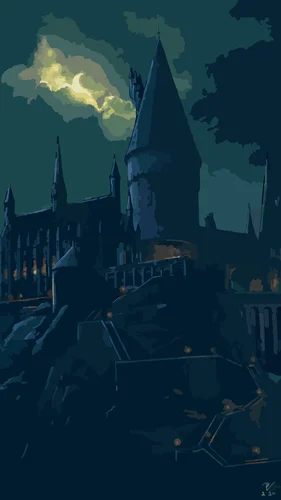
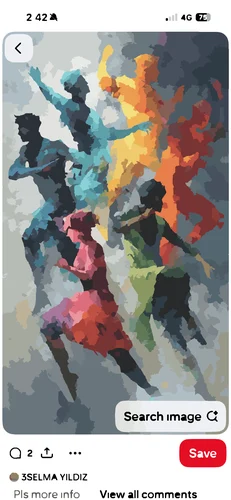
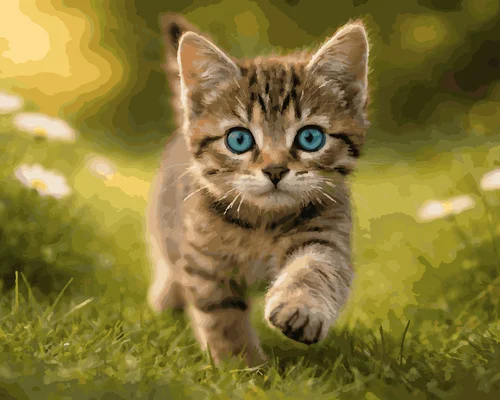
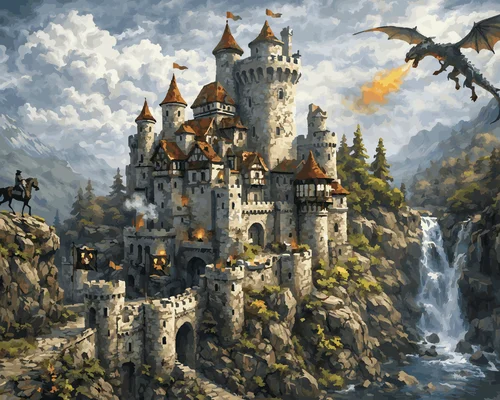
Turn photo into Paint by Numbers online — simple, creative, and fun! No design skills needed!
Upload your picture and Mimi Panda instantly converts it into a custom paint by numbers template you can download, print, and paint. Family portraits, pets, travel memories, or special moments — transform them into personalized artwork and enjoy a relaxing painting experience anytime.
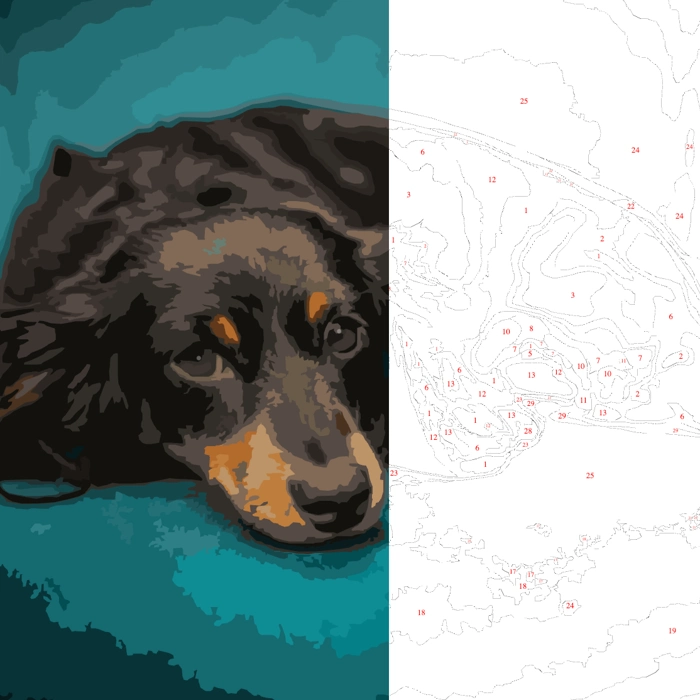
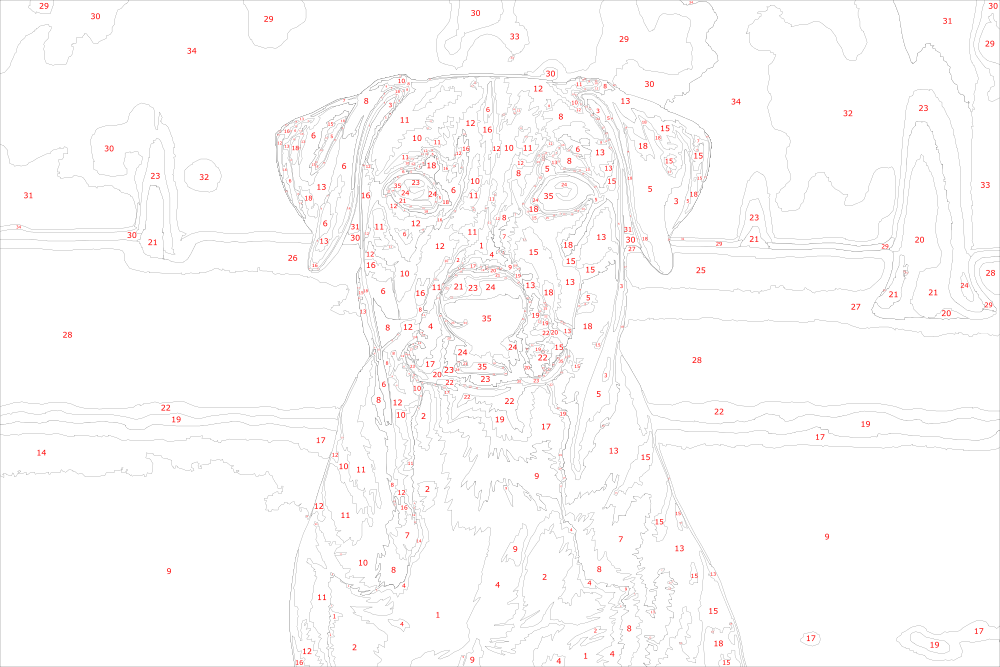
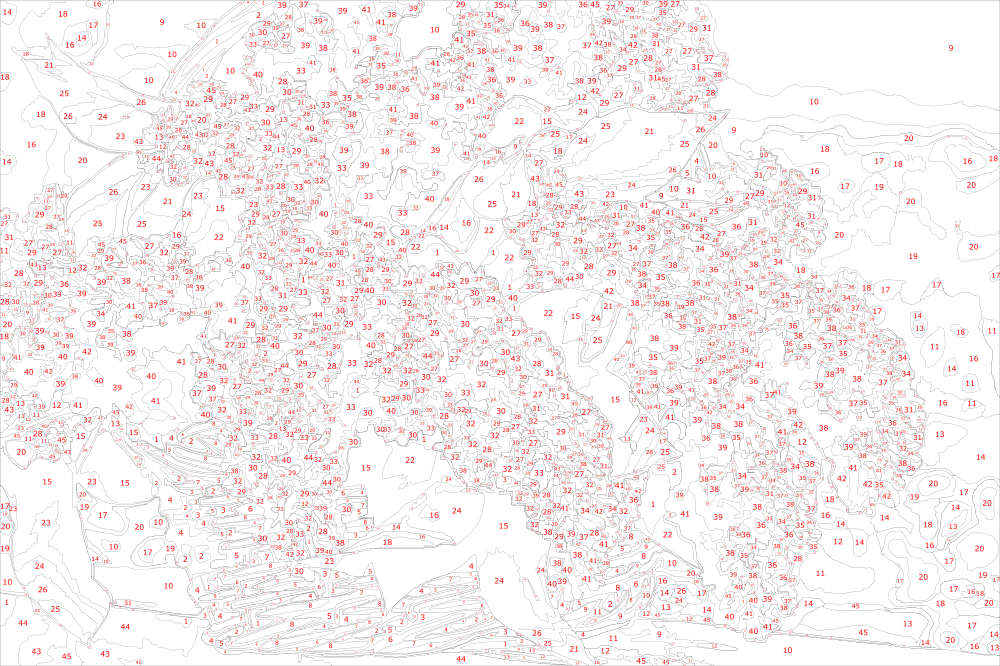
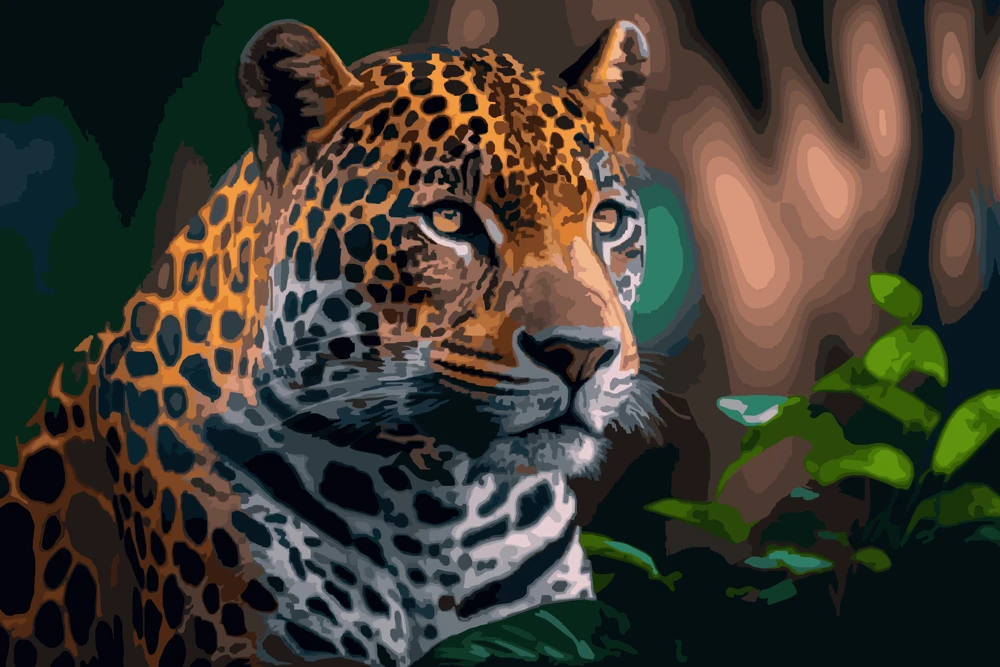
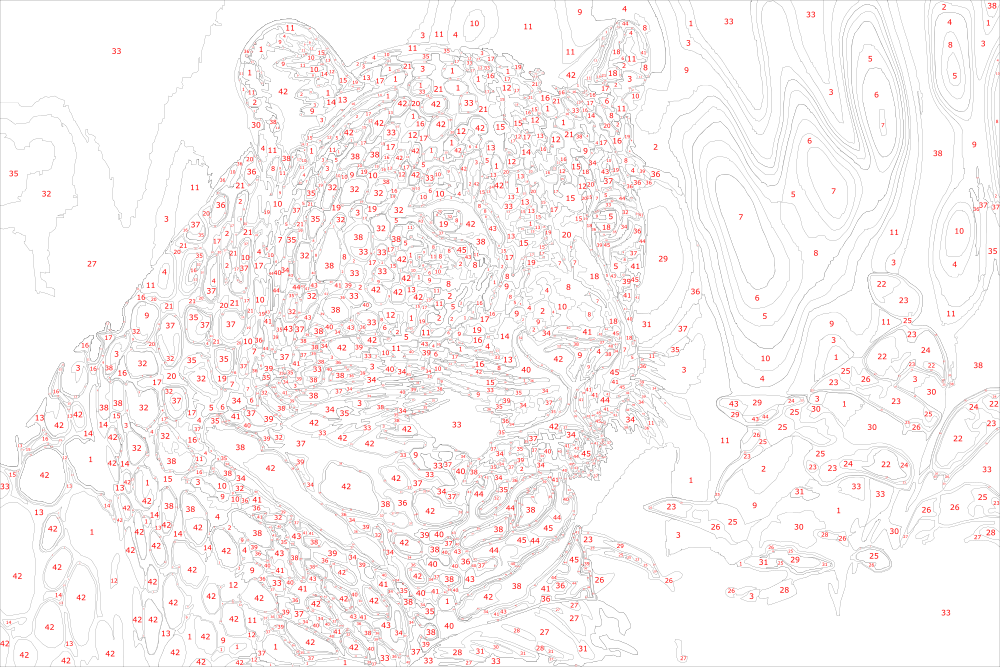
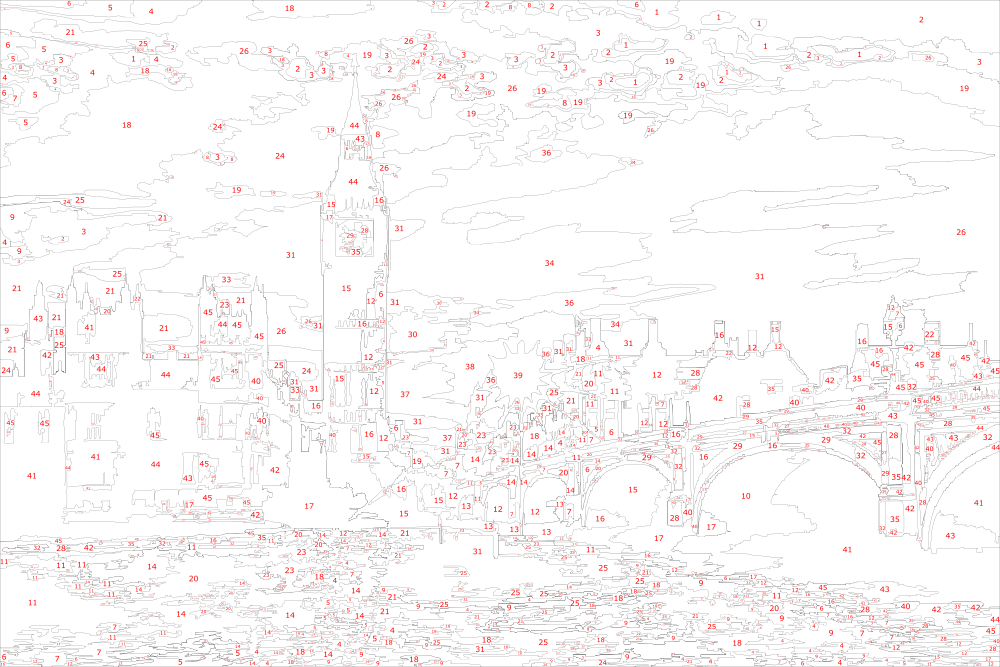
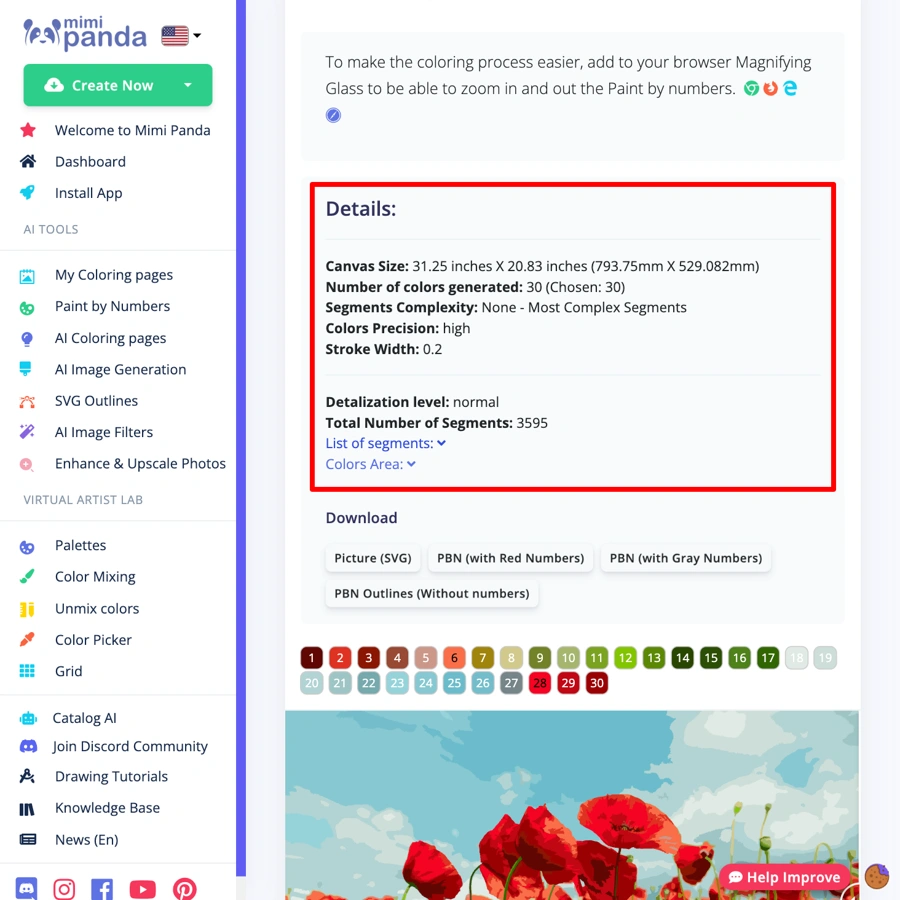
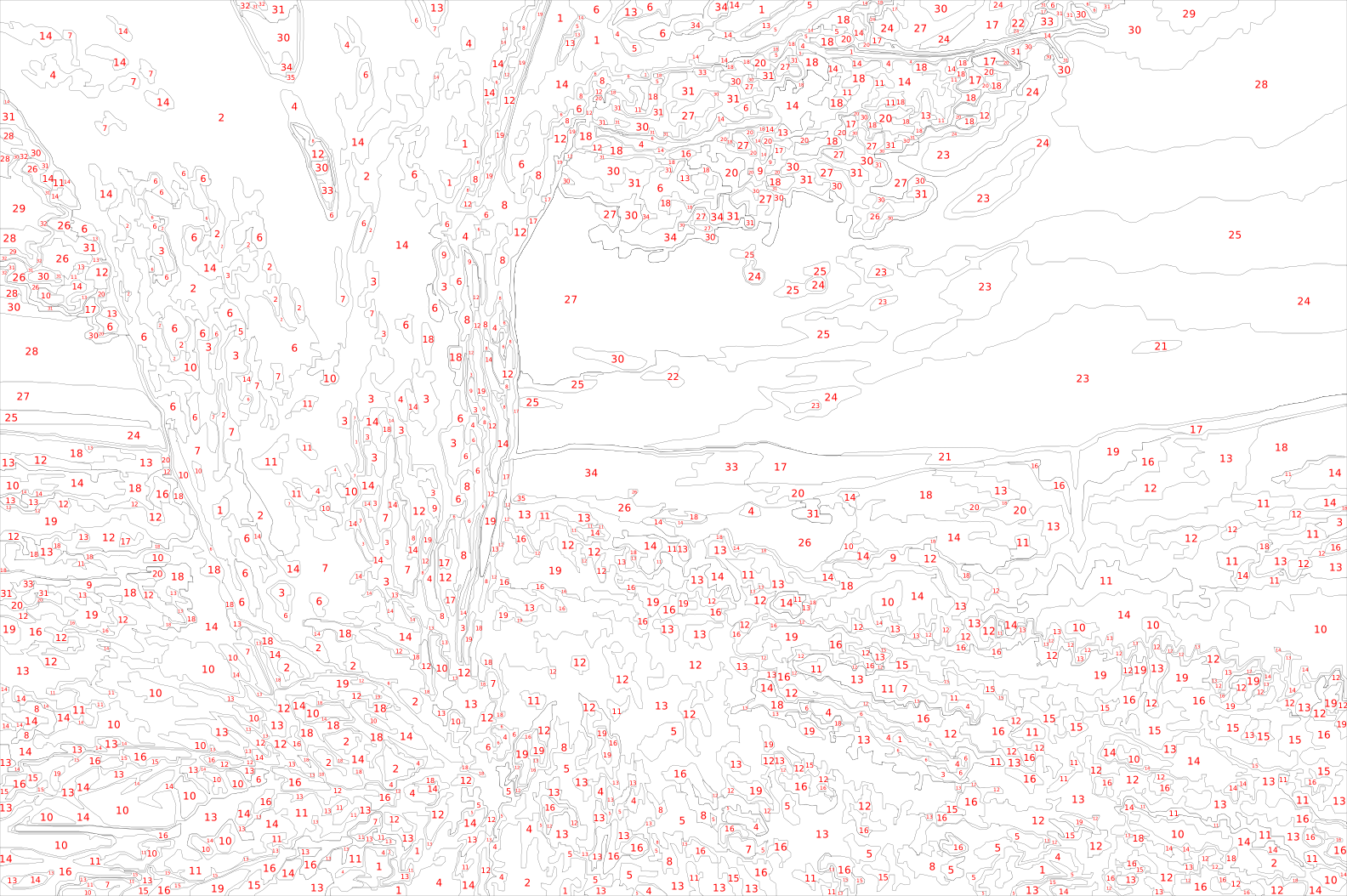
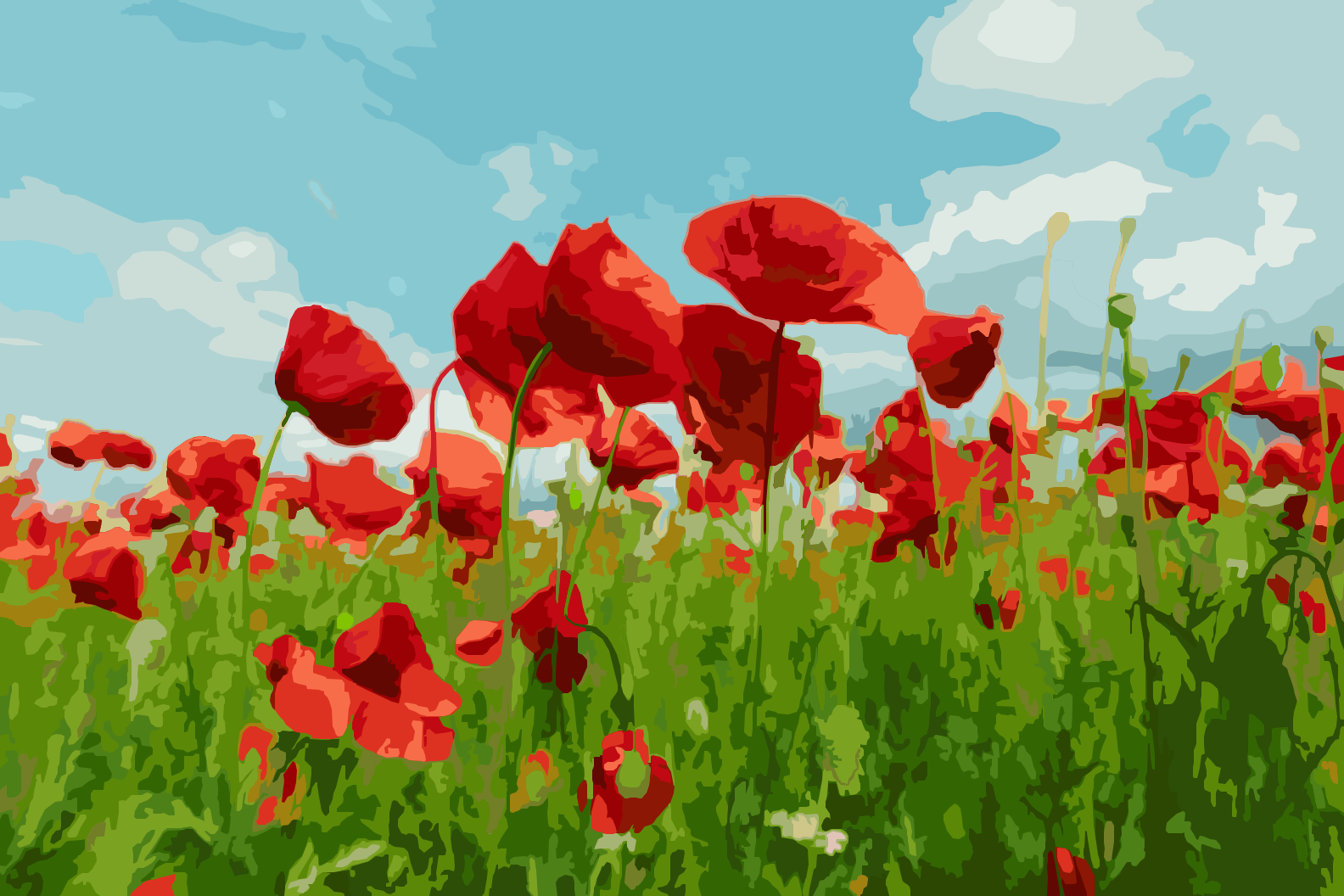
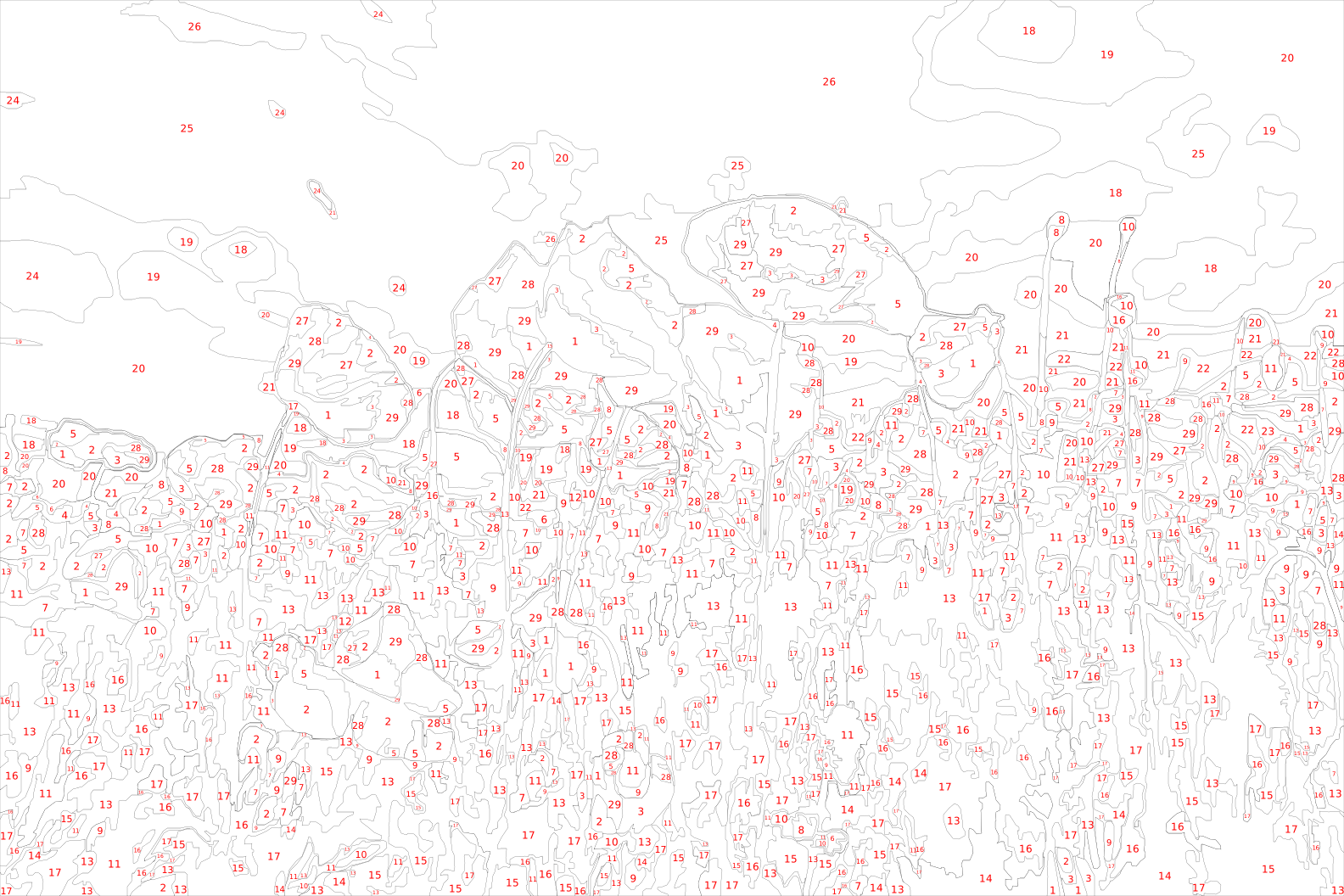
Here you can download the picture and the numbered canvas as SVG. The formats below are available in your free account.
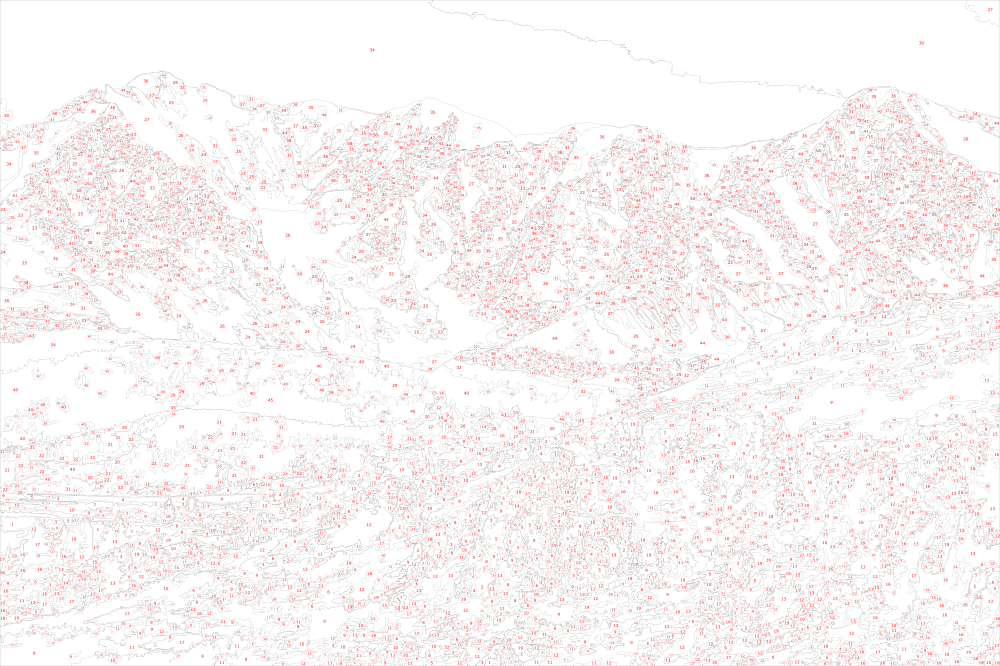
Canvas with numbers
SVG with red numbers
SVG with gray numbers
SVG with outlines only
PNG with red numbers
PNG with gray numbers
PNG with outlines only
PDF with red numbers
PDF with gray numbers
PDF with outlines only
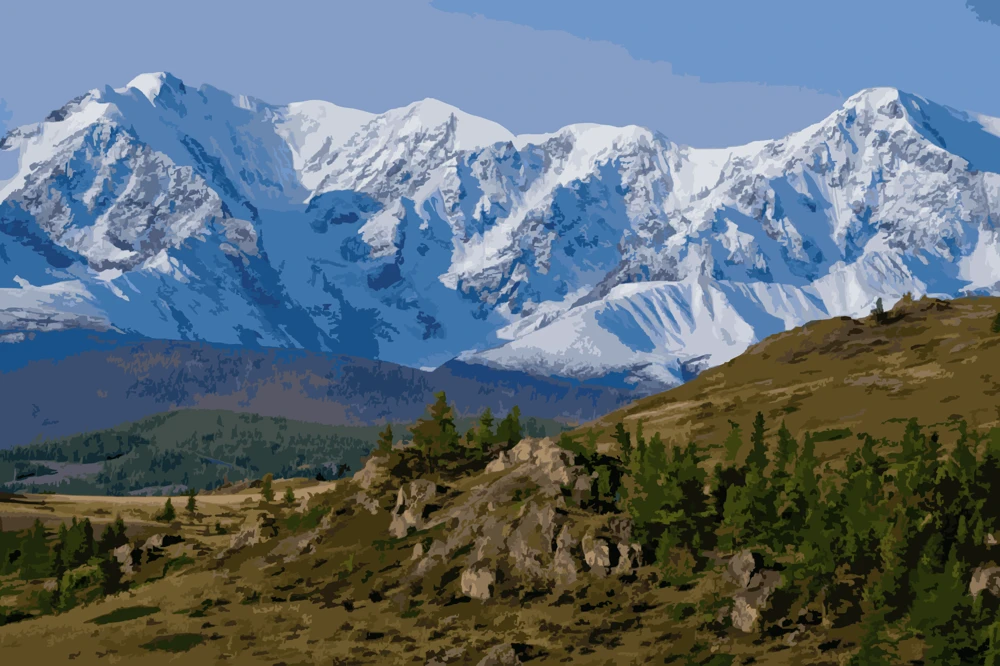
Picture
SVG picture
SVG picture with numbers
PNG picture
PNG picture with numbers
PDF picture
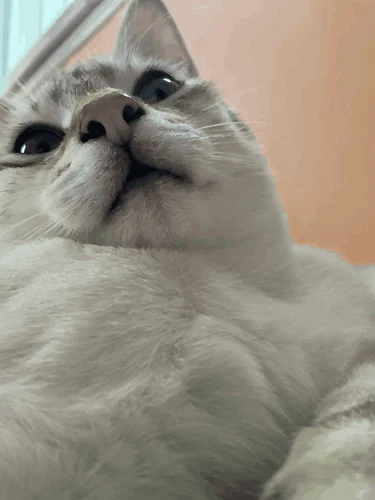
Source image
Rate this paint by numbers:
★★★★★
See how our service works
See Real Examples: Photos Converted Into Paint by Numbers
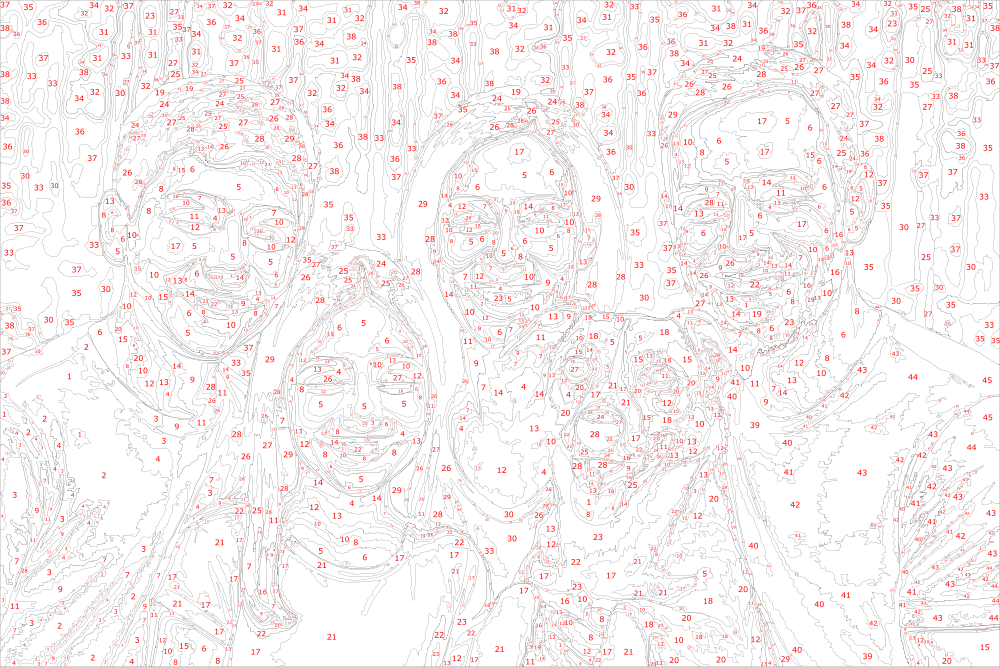
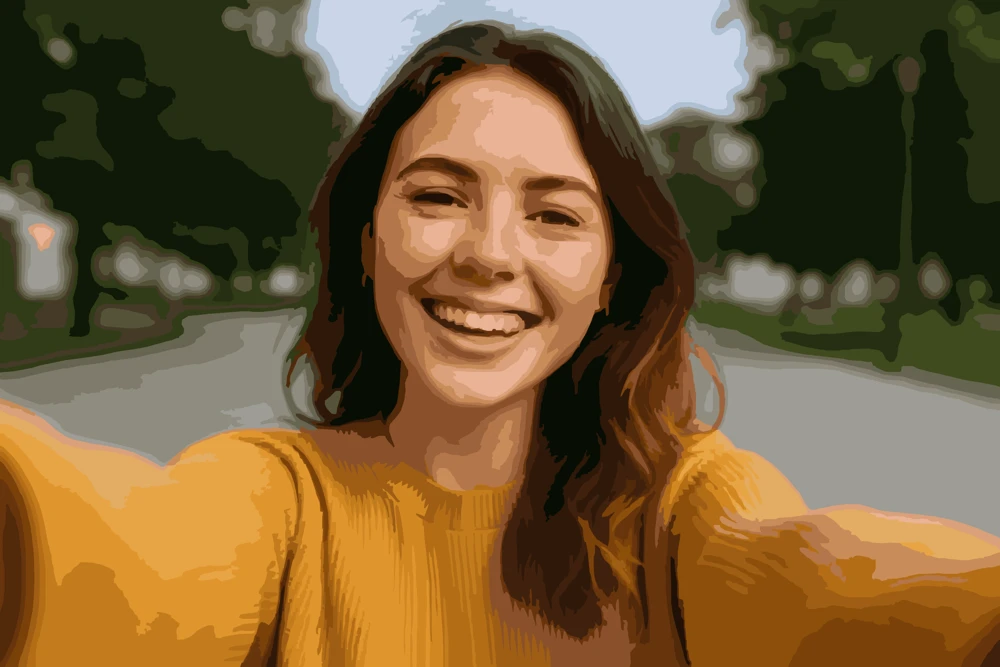
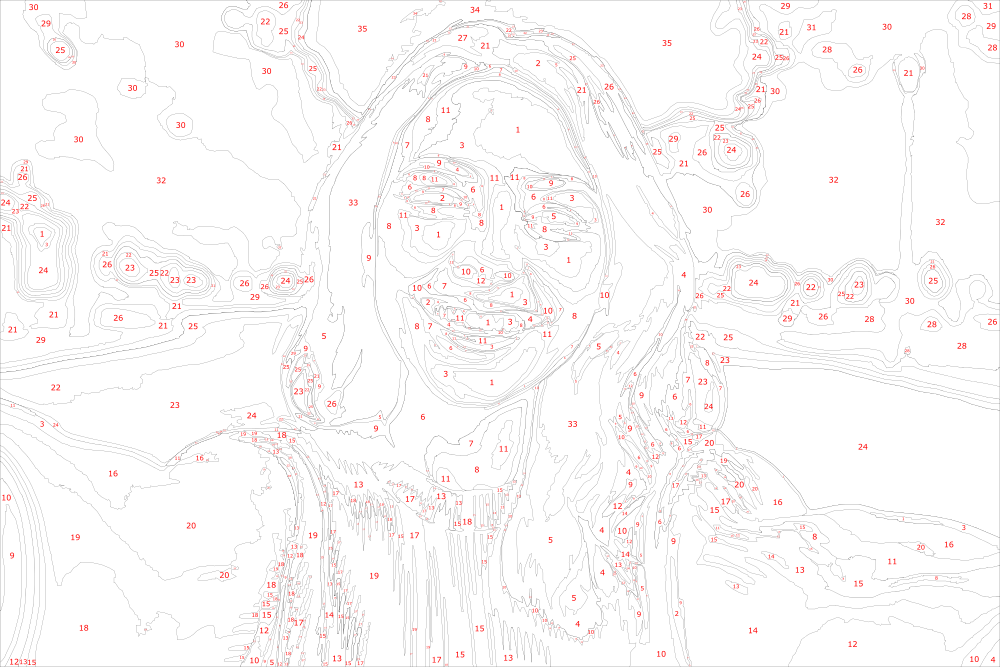
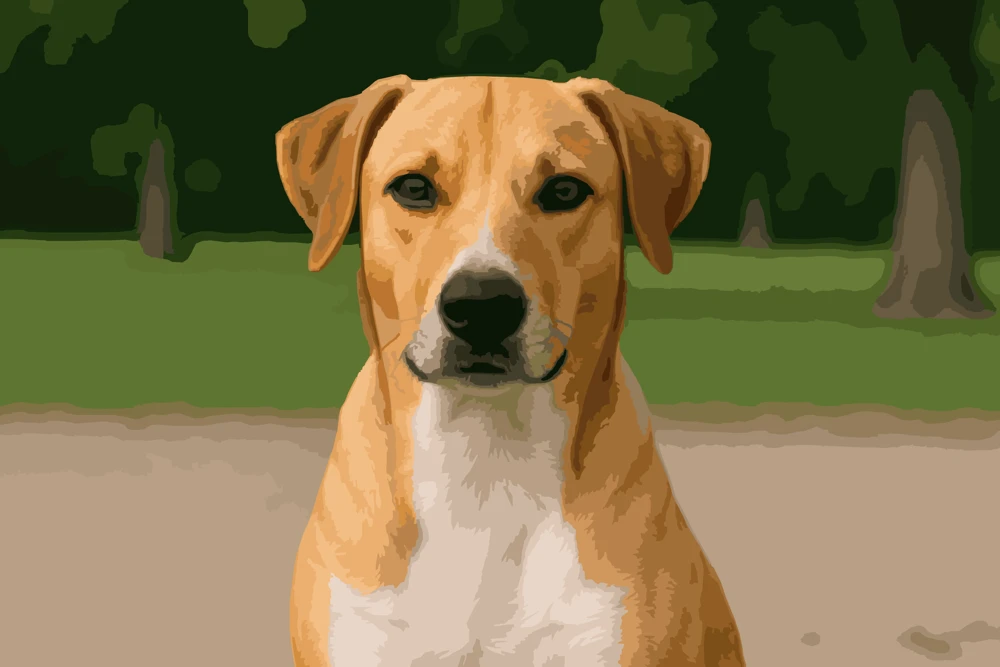
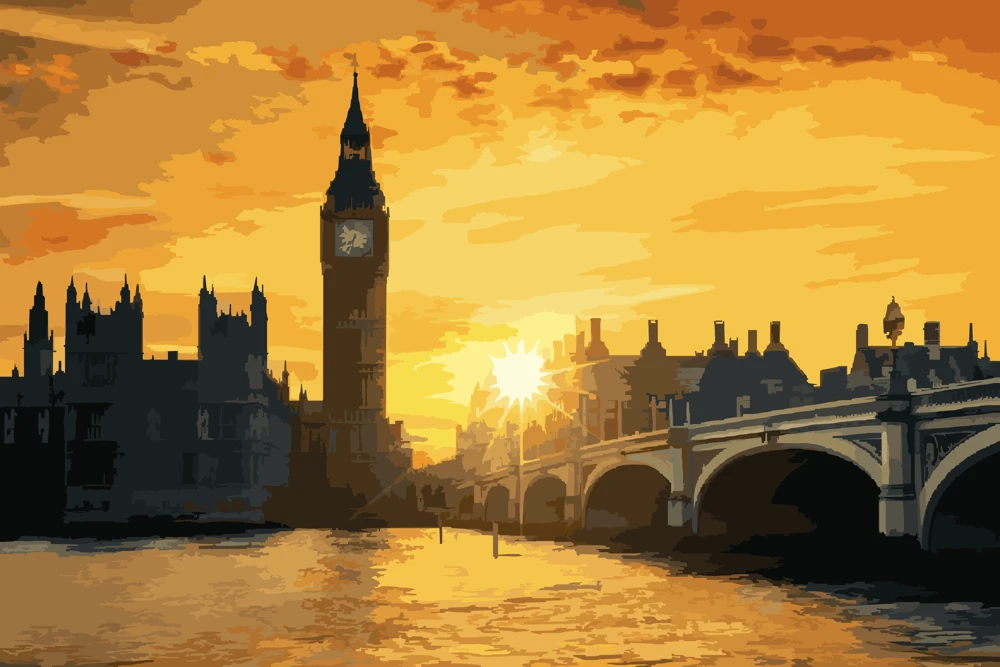
Check out the examples of real photos converted into Paint by Numbers using our service. Try the buttons to view different types of images, and use the slider to compare the picture with the color by number version. Above the slider you can see the colors. You can download the colors list in CSV format clicking the button below the slider.
Do you want to check the quality of our service?
Download the example files in SVG format (vector format that can be printed at any size) and see for yourself!
You can open the SVG file in any vector editor or even your browser (Chrome, Firefox, etc.) to see the details of the paint by numbers.
Export Colors Palette in Most Popular Formats including Procreate .swatches
Easily export your custom color palette with our advanced converter in all the most popular formats: Procreate .swatches, CSV, PDF, and PNG.
Work digitally in Procreate, organize your palette in a spreadsheet, print a convenient PDF, or save a visual reference as a PNG—choose the format that best fits your creative workflow. Bring your paint by numbers masterpiece to life in the way that’s most comfortable for you!
Become a Color Master
See How to Mix Your Paint by Numbers Colors from Primary and Secondary Colors
Every paint by numbers is generated with unique set of colors — your personal picture palette. How to mix these colors in real life? We've got you covered here! With one click you can unmix your colors to Primary and Secondary colors by RYB color model. You only need to have just a basic set of colors at home to start painting your masterpiece!
Every color from your paint by numbers has a unique mixture of primary and secondary colors. You can also find similar colors in well-known paint brands and easily purchase them at stores near you. See the example below.
Color mixing recipes are available in a free account. Palette downloads (CSV, PDF, swatches) need a Personal plan or higher.
Register now and try our Virtual Artist Lab with a set of tools for color mixing, painting, and more - for free!
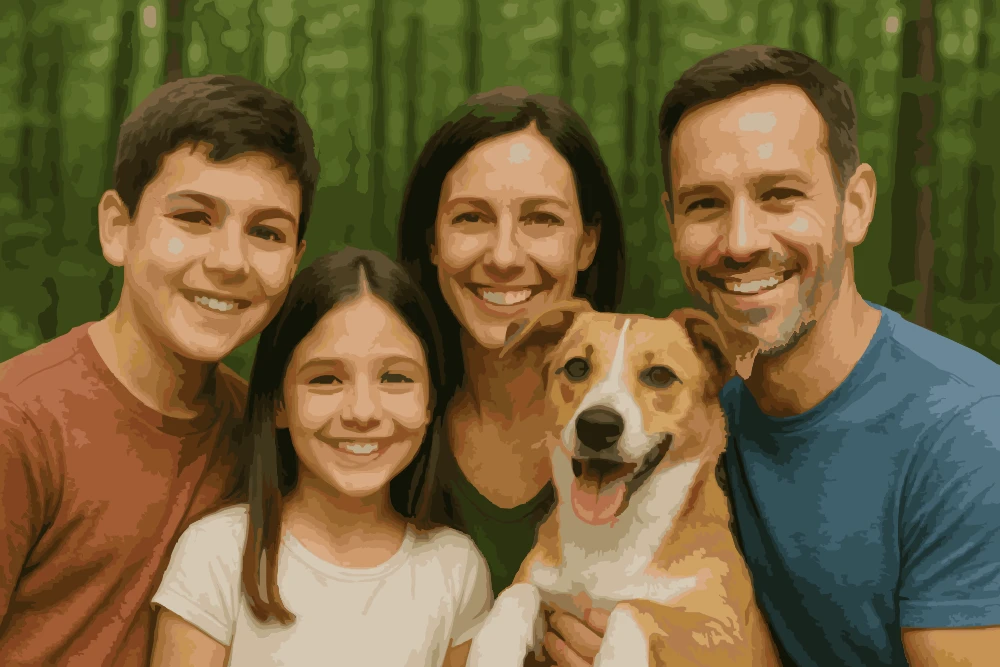
Convert Your Family Photos Into Paint by Numbers Online
Looking for a creative way to preserve memories? Convert your photo to paint by numbers with Mimi Panda! It’s never been easier. Just upload a .jpg, .png, or .jpeg file (20 MB max), choose number of colors and the system will automatically generate your custom paint by numbers canvas that can be printed and colored.
Whether you want to create your own painting, make a surprise for your kids, or prepare a personalised gift, this is the best paint by number from photo service you can find online. On this page you can download SVG. A free account adds PNG and PDF, ready to print at home or a print shop.
IMPORTANT! Please ensure you own the rights to the images you upload. Mimi Panda is not responsible for any copyright infringements.
Ready to create paint by numbers from photo? Click the button below to get started!
How to convert photo to Paint by Numbers: detailed instruction
Ready to create your own masterpiece? Just follow the simple steps below to convert your photo into personalized Paint by Numbers with Mimi Panda. Our cutting-edge artificial intelligence makes the process easy, fast, and delivers stunning results for everyone!
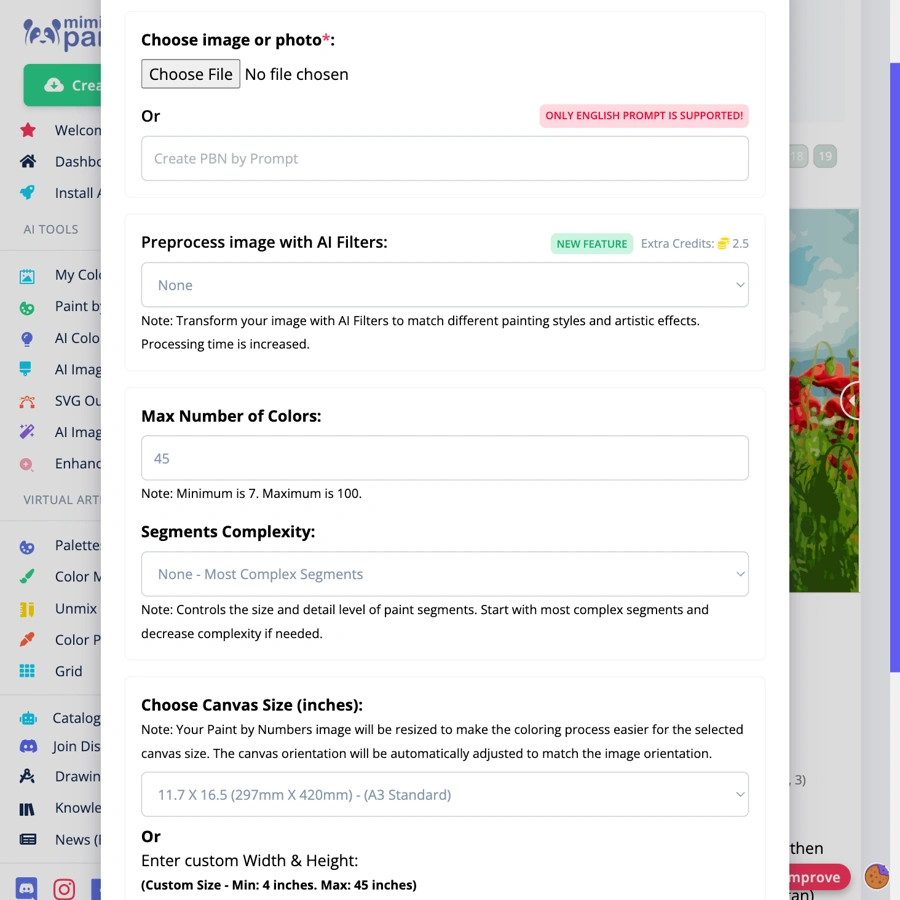
1. Choose parameters
Choose the number of colors, segments complexity, and your canvas size you want to use. The more colors you choose, the more detailed and accurate the result will be when you turn photo into paint by numbers.
Let's get started now!
2. Upload Photo
Upload your photo, preview the colors, then click Generate Now. Make sure your image is clear and well-lit.
3. Generate Your Paint by Numbers
Click Generate Now — no account needed. It usually takes a few minutes. Keep this page open until your canvas is ready.
4. Download PBN
In just a minute, your online DIY Paint By Numbers kit from your picture will be ready to use! Download paint by number or picture using buttons above the side-by-side comparison view and enjoy your personalized masterpiece.
File Formats & Size
We support the following file formats for your photos. For best results, make sure your images are clear and well-lit. Please ensure your files meet our format and size requirements before uploading.
File formats: JPG, PNG, WEBP, HEIC
File size: up to 20MB
See How Easy It Is: Quick Video Guide
Click below to access the tutorial. Press play button at the bottom left corner of the video tutorial frame to start it. Watch this short video to see how easy it is to turn your photo into a paint by numbers painting using your phone or computer.
List of actions you can perform with your Paint by Numbers:
Create Paint by Numbers by Prompt
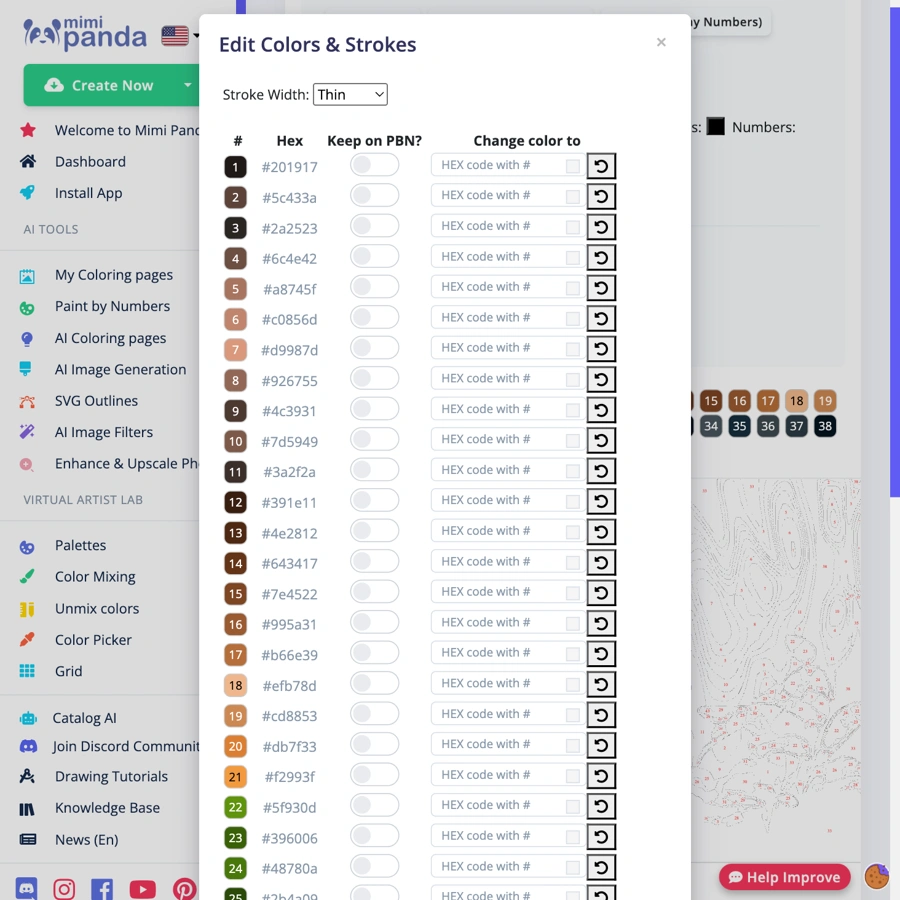
Edit colors and stroke width
Color segment editor
Download PBN in SVG or PNG format
Download Picture in SVG or PNG format
Download colors
Share via Link
Regenerate with different number of colors
Permanently Delete
Rate
Virtual Artist Lab & Coloring Tools
Mimi Panda also provides artists with a complete set of coloring tools. In your personal account, you can easily access the Virtual Artist Lab, as well as features such as color palettes, color selection, grid generator, color mixing, and more.
Why Choose Mimi Panda to convert your photo into Paint by Numbers Online for Free?
Mimi Panda converts your photo into a printable paint by numbers canvas. Try 2 free conversions every 7 days on this page — no account needed.
Whether you’re looking to turn my picture into a painting, paint by number custom canvas, or explore the best custom paint by numbers Australia, Mimi Panda is your go-to source.
Ready to convert photo to paint by number free? Start now and make unforgettable memories with your paint by number custom photo!
We offer the following benefits:
High-quality paint-by-number conversions into SVG or PNG formats
Online color palette to help with guide on how to mix colors
2 free paint by numbers every 7 days, no registration needed
No credit card required
No hidden fees
Cutting-edge artists tools to help you create your own painting
More Examples and Ideas
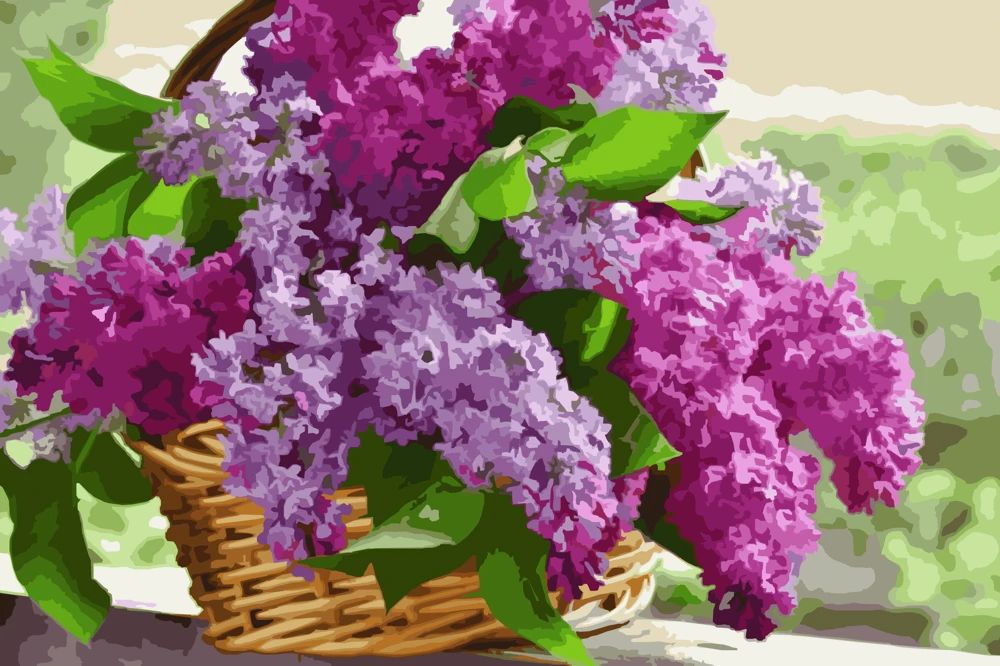
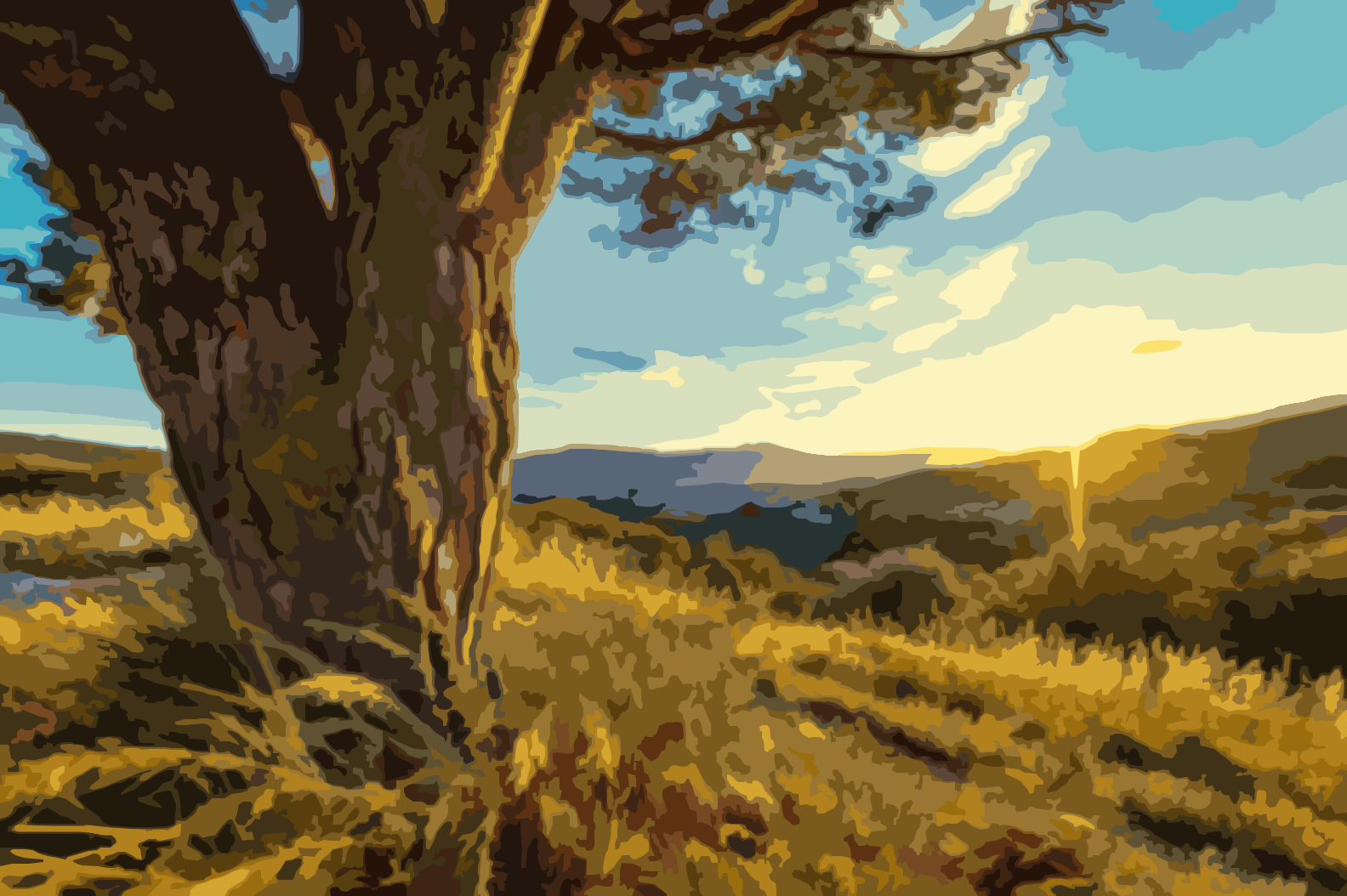
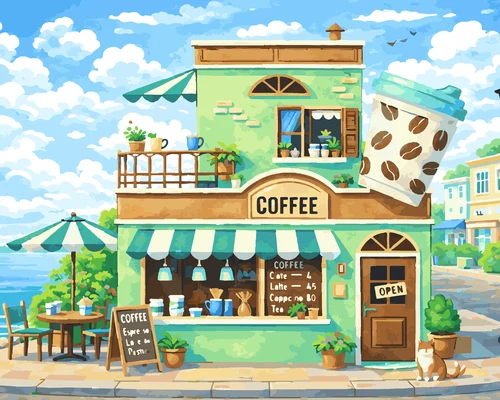
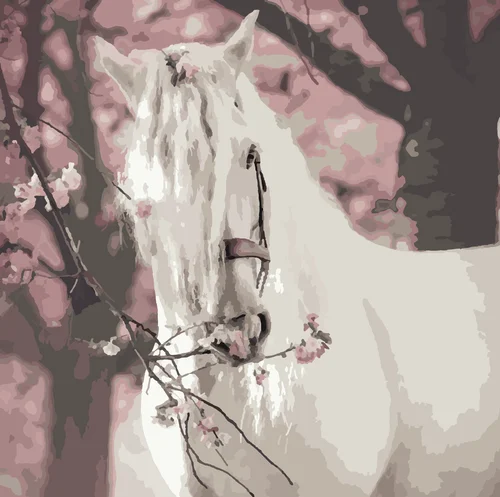
Need more ideas? Check out some incredible examples below. We have prepared amazing pictures, converted from photographs of landscapes and flower fields.
Discover why users love our photo to paint by numbers generator—perfect for inspiring creativity in families, artists, and children. Easily turn your photos into custom paint by numbers artwork! Our users share how simple, fun, and rewarding it is to create one-of-a-kind masterpieces with just a few clicks.
It's very good aside from the fact that you could speed up the image creation process a bit, but otherwise it's incredible. Thank you.
Original text:C'est très bien mise à part que vous pourriez accélérer un peu le processus de création de l'image mais sinon ça va c'est incroyable. Merci
Zonzon
That this is free is brilliantdddd
Original text:Que esto sea gratuito es una genialidaddddd
Harry
Nothing can be adjusted, other than darkening the lines to make the segments clearer.
Esmê
Nice. I like the details level and the colors
phoenix
I really like the result! I didn't even expect that such a thing was possible. Keep up the good work!
Sugarplume
Wow. I'm going to go paint 🙂
Sugarplume
Very beautiful color by numbers. The soft colors and calm mood make it really pleasant to look at.
Original text:Very beautiful color by numbers. The soft colors and calm mood make it really pleasant to look at
mathilda.
All feedback is collected and stored from our users with their explicit consent. This feedback is used to improve our services and provide better user experience.
Mimi Panda is an unique online paint by numbers generator that transforms photos into paint by numbers. As a family-owned project, we are passionate about nurturing creativity and artistic expression for everyone. Our user-friendly paint by numbers generator enables you to create and share paint by numbers, AI-generated artwork, coloring pages, and more.
Yes. Mimi Panda lets you create 2 paint by numbers every 7 days for free, with no registration and no credit card. A free account unlocks extra tools such as more colors, PNG and PDF downloads, color mixing, and your creation history. Premium plans add more conversions.
Upload a JPG, PNG, WEBP, or HEIC photo (up to 20 MB) on this page. Adjust colors and canvas size, preview the result, then click Generate Now. Mimi Panda creates a numbered canvas and color guide — no account required.
Absolutely! You can turn a photo into Paint by Numbers of your pet, family, or any memorable moment. Mimi Panda is perfect for making a personalised paint by numbers gift or keepsake.
On this page you can use up to 70 colors. A free account raises the limit to 100 colors. Each color includes an RGB value; mixing instructions are available after you register.
Yes! Your paint by number custom picture is optimised for canvas printing. You can print it at home or take it to a professional print shop and use oil paints, acrylics, or any medium you prefer.
No. You can create 2 paint by numbers every 7 days without an account. Register for free to save your canvases, download PNG and PDF, mix colors, create from a text prompt, or use AI painting filters.
Definitely. While children love it too, our tool is ideal for custom paint by numbers for adults, offering detailed and high-quality images for advanced painting fun.
The free version of our service is intended solely for personal, non-commercial use. If you wish to use the images created with Paint by Numbers for commercial purposes, please subscribe to a commercial plan.
There's no real difference. Terms like personalised paint by numbers, custom paint by numbers, or paint by numbers custom photo all refer to the same concept: turning your unique image into a DIY Paint by Numbers kit.
Your Privacy Matters
Your privacy is our top priority. You can permanently delete uploaded photos from our servers at any time by clicking the "Delete" button of your paint by numbers. If you need to completely delete your account and all associated data, simply contact our support team and we will process your request asap. We are committed to protecting your personal information and ensuring the security of your data.
We use essential cookies to make our site work. Analytics cookies help us improve your experience. You can find more information in our cookie policy. Cookie policy