AI-Powered Coloring Pages from Your Prompts
AI Coloring Page Generator Online
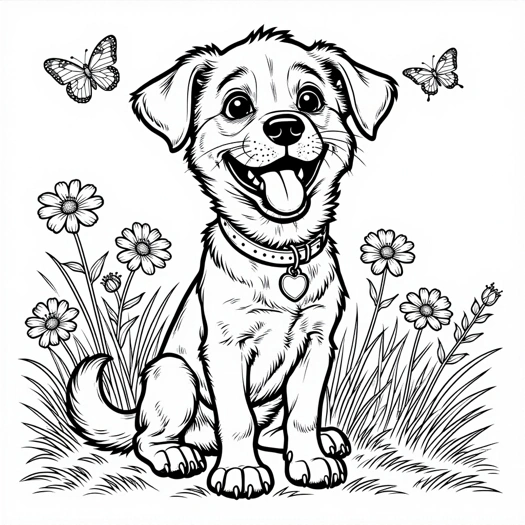
Describe your idea and our AI will turn it into a custom coloring page. Choose the level of detail and format, then follow the generation progress on this page.
Generate 2 AI coloring pages from your prompts for free every 7 days — no account required. Continue on the Mimi Panda platform for more generations, saved history, reference-photo creation, and advanced tools.
Create 2 AI coloring pages for free
Turn your idea into a coloring page
No account requiredDescribe any scene and generate up to 2 unique coloring pages for free every 7 days. For more generations and advanced tools, continue on the Mimi Panda platform.
Describe any idea and Mimi Panda will turn it into a unique coloring page.
2 free generations every 7 days. Reference images are available on the main platform.
Keep the characterPreserve recognizable character features.
Change the scenePlace the character in a new setting.
Guide with a promptDescribe what should change in the new image.
Recent creations
What it is
What is an AI coloring page generator?
An AI coloring page generator is an online tool that turns a written description into a printable black-and-white coloring page. You type a prompt, choose how detailed the drawing should be, pick a page format, and the generator creates line art you can download, print, and color.
Mimi Panda’s AI coloring page generator is built for coloring, not for generic AI pictures. It draws closed outlines with a line weight that matches the age group you select: simpler shapes for kids, more complexity for teenagers, and finer detail for adults. You describe an invented scene in a prompt. That is different from tools that start from an existing picture. Parents use it for custom sheets that match a child’s current interest. Teachers use it for themed classroom activities. Adult colorists use it when they want a unique page instead of a recycled book. You can generate two coloring pages for free every 7 days with no account. Continue on the Mimi Panda platform when you need more generations or saved history.
What you get from each generation
- One original coloring page from your prompt
- Kids, Teenagers, or Adults detail levels
- Square, portrait, landscape, and other print formats
- A full-size JPG ready to print or color digitally
- Two free pages every 7 days, no sign-up
 Generate a coloring page
Prompt 

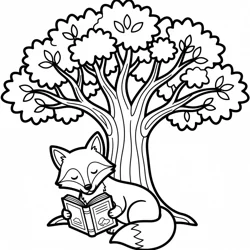
A sleepy fox reading under an oak tree

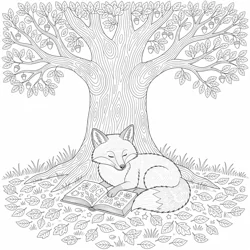
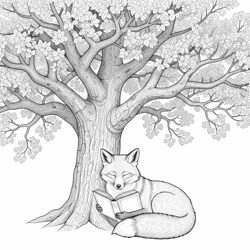
How It Works
How to use the AI coloring page generator
You do not need design software or an account. Describe the scene, choose who will color it, pick a format, and download the finished page.
1
Describe the coloring page
Write a prompt between 3 and 600 characters. Name the subject first, then add one setting. Example: a panda baking cupcakes in a tiny kitchen.
2
Choose the age group
Kids keeps large, simple shapes. Teenagers adds more objects and medium detail. Adults uses finer linework for longer coloring sessions.
3
Choose the print format
Select square, portrait, landscape, or another ratio before you generate. Match the format to your paper, tablet, or book layout.
4
Download and color
Keep this page open while the request is processed. When the result is ready, download the JPG, print it, or open it in a drawing app.
Who it is for
Who uses an AI coloring page generator?
The same generator works for a rainy-day kids sheet, a classroom worksheet, an adult coloring session, or a custom coloring-book draft. The difference is the prompt and the age-group setting.
-

Parents and families
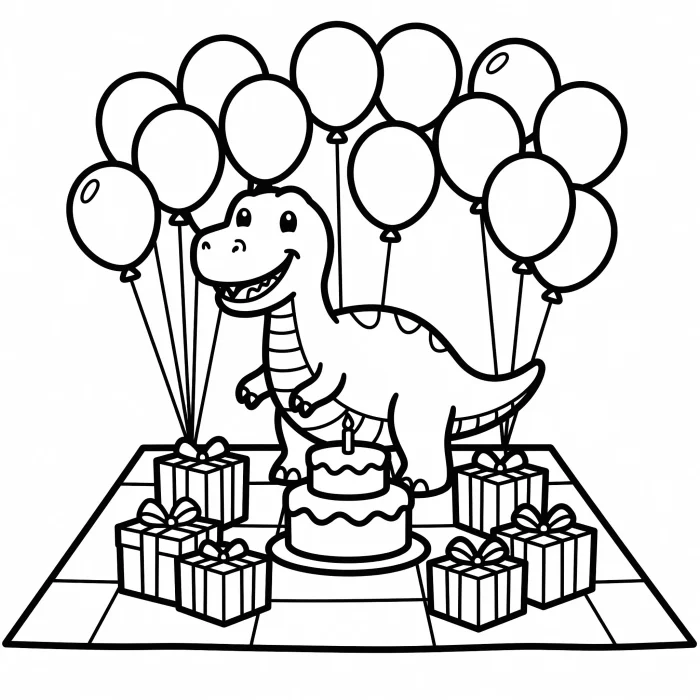
Make a page around whatever your child is into this week: dinosaurs at a birthday picnic, a rescue puppy in a treehouse, or a quiet bedtime scene. Print it in minutes instead of hunting through a generic book.
- Birthday party activity sheets
- Travel and rainy-day packs
- Birthday and holiday themes from a prompt
-
Teachers and educators
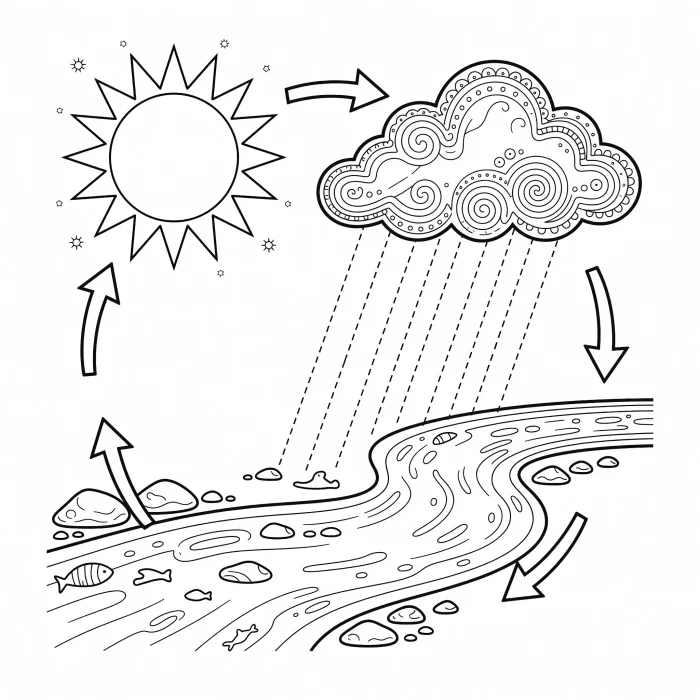
Describe a lesson topic and generate a sheet: a water cycle scene, a quiet reading fox, or community helpers. Use the Kids setting for younger grades and Teenagers when you need more objects to label or discuss.
- Themed classroom activities
- Early-finisher and calm-corner pages
- Take-home sheets that match this week’s topic
-
Adult colorists
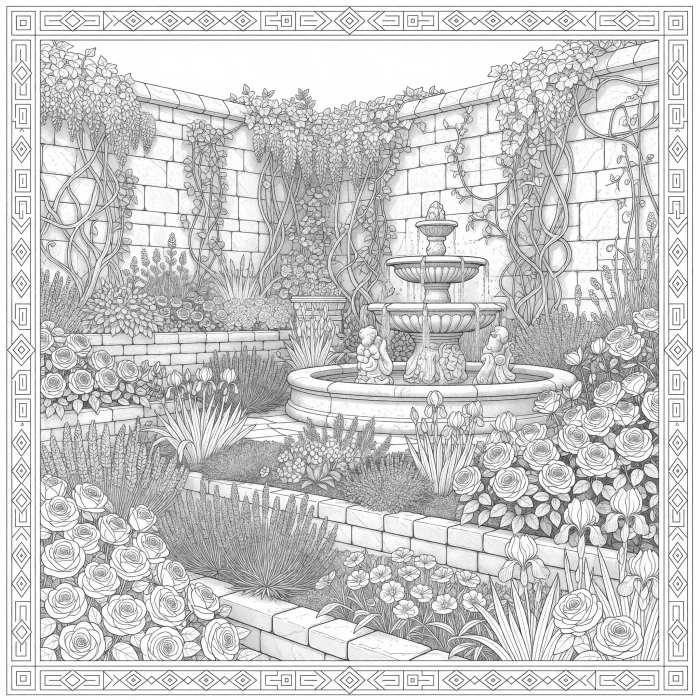
Choose Adults when you want denser linework: gardens, architecture, fantasy maps, or intricate animals. You get a page that exists only because you asked for it, not a reprint of a store-bought design.
- Relaxing evening coloring
- Digital coloring in Procreate or similar apps
- Custom pages for a personal series
-
Creators and coloring-book makers
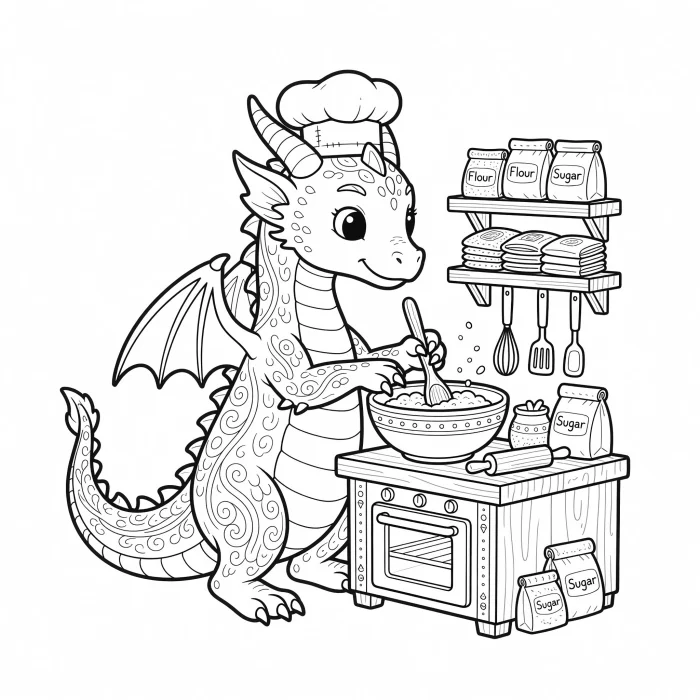
Draft themed pages from prompts, then continue on the Mimi Panda platform for extra generations and a commercial plan when you need rights beyond personal use. Free downloads on this page stay personal-use only.
- Concept pages before a full book
- Matching scenes around one character
- Commercial use on a paid plan
Better prompts
How to write a prompt for a coloring page
A coloring page needs clear outlines, not a painted scene. Tell the generator what to draw, where it happens, and how busy the page should be. Skip color names unless you want those objects in the picture.
Write prompts that print well
- Start with the subject: who or what sits in the middle of the page.
- Add one setting: kitchen, forest, classroom, coral reef.
- Name 2–4 extra objects if you want a busier page.
- Match the age group to the amount of detail you described.
- Avoid “photorealistic,” “shaded,” or “full color.” Those fight the line-art result.
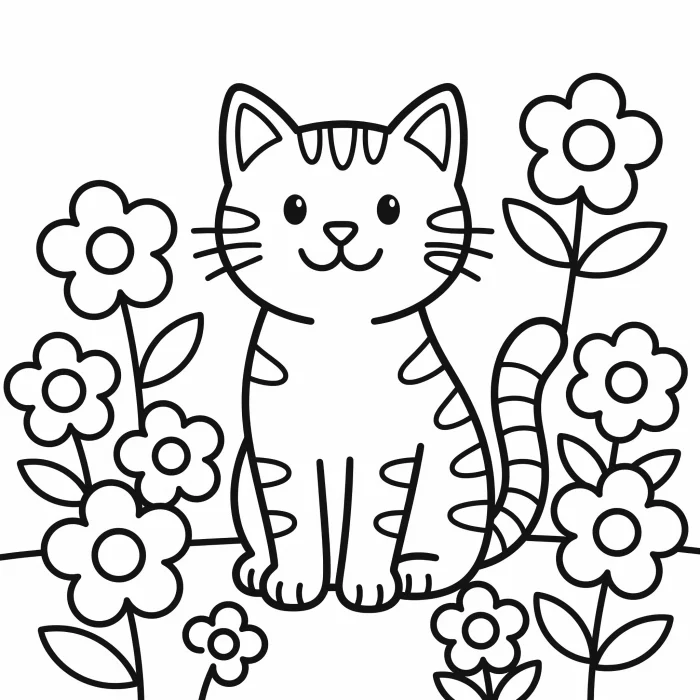
| Age group | Weak prompt | Stronger prompt |
|---|---|---|
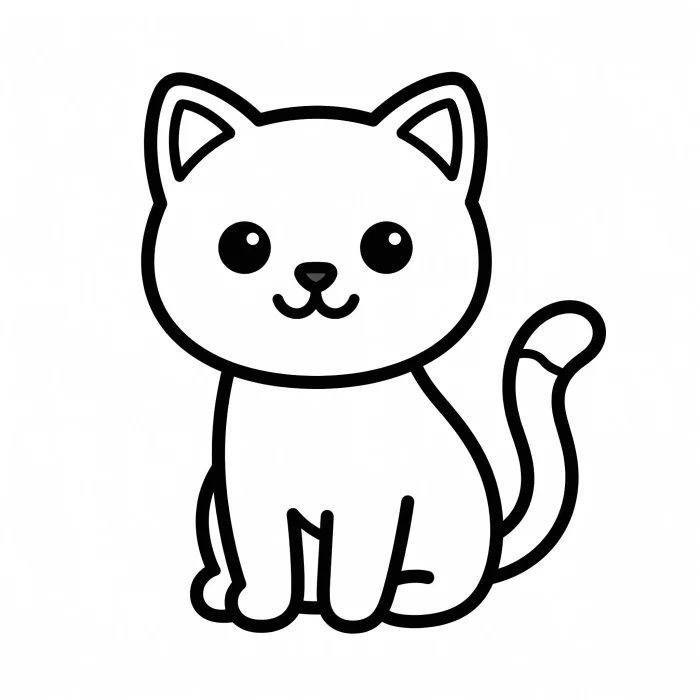
| Kids | a cat | a smiling tabby cat sitting in a flower garden, big simple shapes, thick outlines, no tiny details |
| Teenagers | a castle | a hilltop castle with a winding path, two banners, a small dragon on the roof, medium detail, clear outlines |
| Adults | mandala | circular floral mandala with layered petals, geometric border, fine linework filling the page |
Examples
AI coloring page examples you can recreate
These themes show the range of a text-to-coloring-page workflow: animals, fantasy, everyday scenes, and detailed adult pages. Copy a prompt into the form to recreate a similar page.
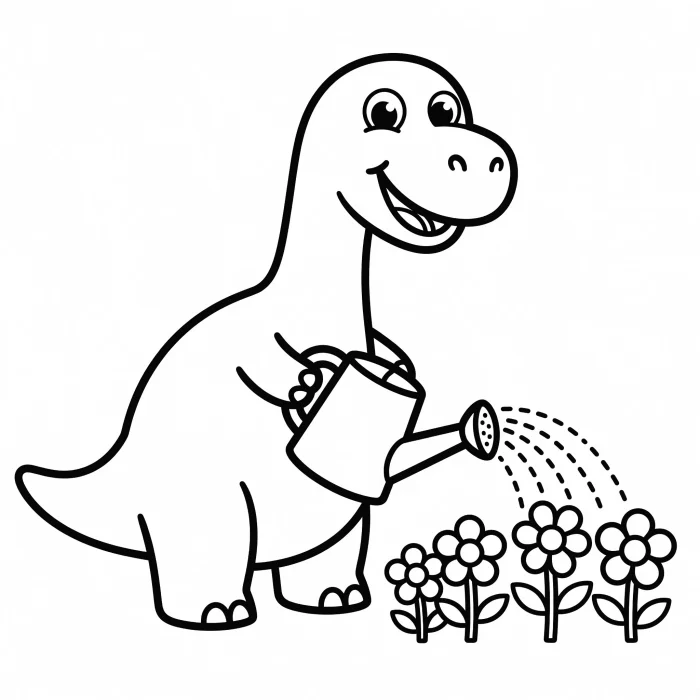
Invented animal scenes
Prompt idea: a friendly dinosaur watering flowers, large shapes, thick outlines.
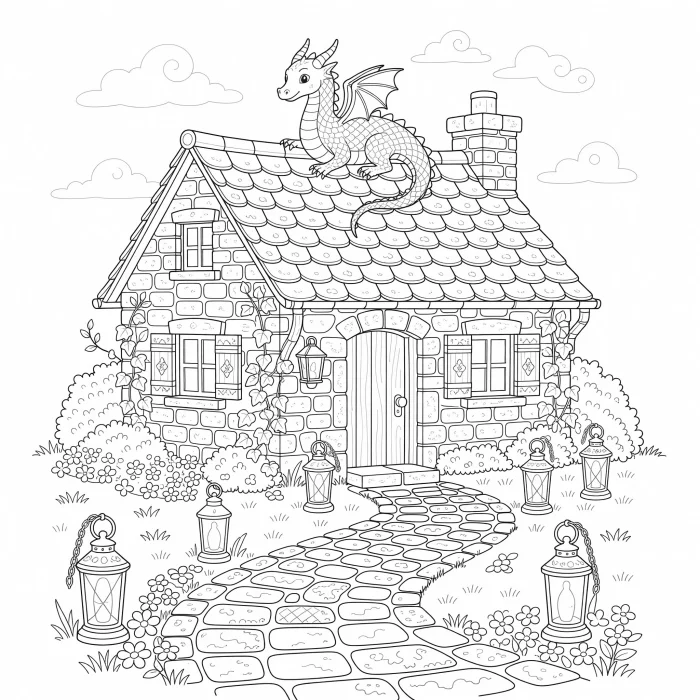
Fantasy scenes
Prompt idea: an evening cottage with a winding stone path, lanterns, and a small dragon on the roof.
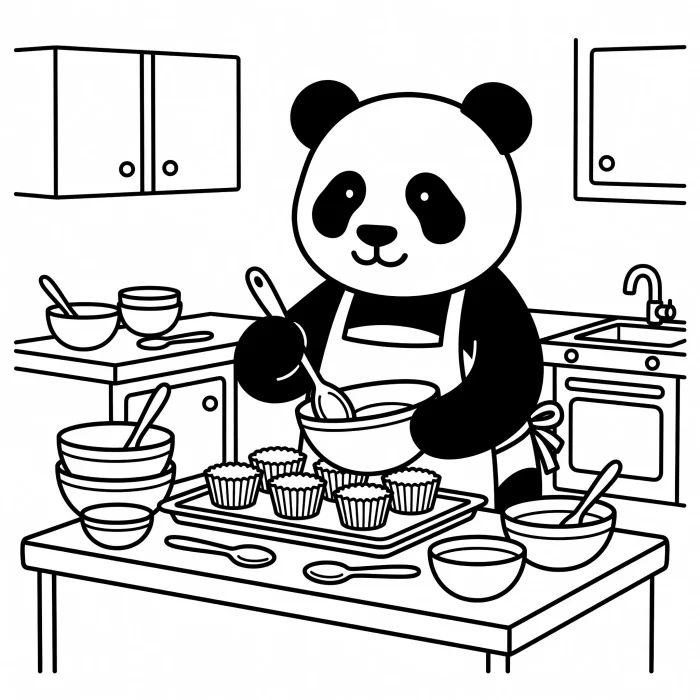
Everyday stories
Prompt idea: a panda baking cupcakes in a tiny kitchen, bowls and spoons on the counter.
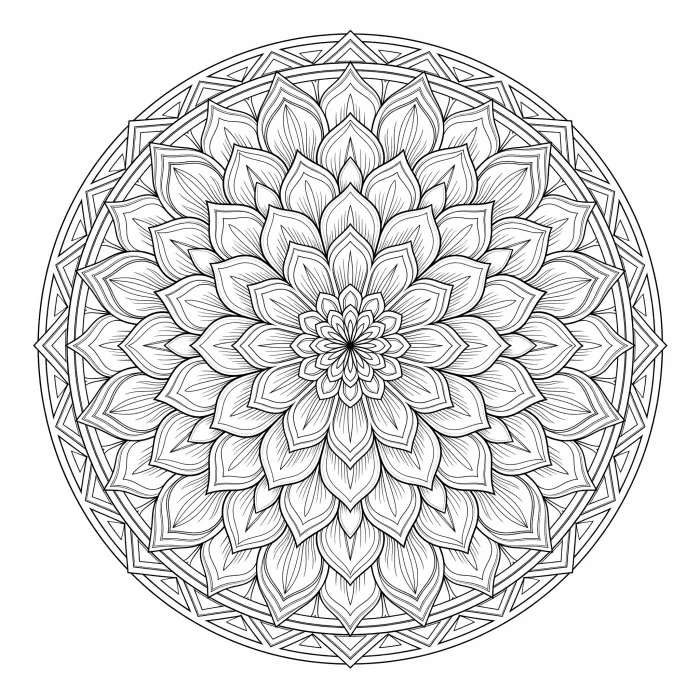
Detailed adult pages
Prompt idea: a circular floral mandala with layered petals and a geometric border.
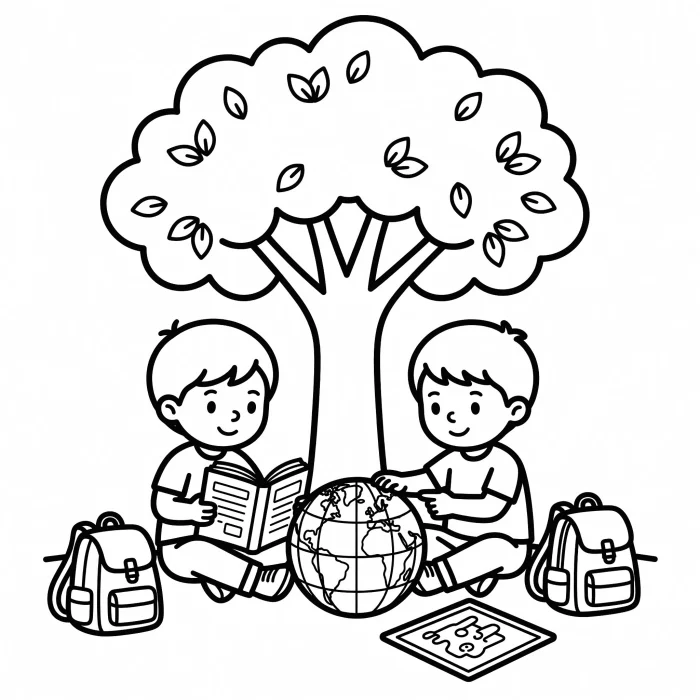
Classroom themes
Prompt idea: children reading under a tree with a globe, backpacks, and a small chalkboard.
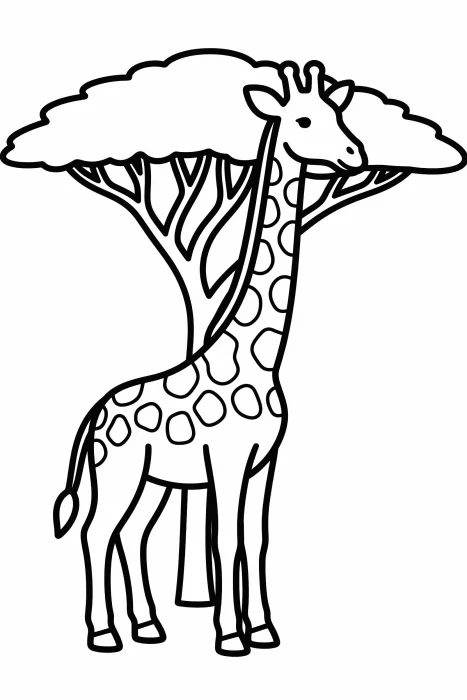
Printable formats
Prompt idea: a giraffe standing beside an acacia tree, portrait page, thick outlines. Use portrait for letter/A4 paper, landscape for wide scenes, and square for tablets or social posts.
Prefer a ready-made sheet instead of writing a prompt? Browse the AI coloring pages catalog.
Try It Now
Free vs platform
Is the AI coloring page generator free?
Yes. This page includes 2 free generations every 7 days, with no account. That free allowance is shared with the other free Mimi Panda generators. Continue on the platform when you need more pages or saved history.
| Feature | This page | Mimi Panda platform |
|---|---|---|
| Account | Not required | Sign in to save work and unlock plans |
| Free generations | 2 every 7 days | Plan credits for extra generations |
| Input | Text prompt | More prompt generations and saved history |
| Download | Full-size JPG | Downloads plus history and extra tools |
| Commercial use | Personal use only | Commercial plan when you need it |
| If you want to… | Use |
|---|---|
| Invent a scene from a written description | This AI coloring page generator |
| Start from an existing family, pet, or travel picture | Convert Photo to Coloring Page Online |
| Put a name or phrase into bubble letters | Name coloring page generator |
More coloring tools
Related coloring tools on Mimi Panda
The AI coloring page generator starts from a text prompt. Use the other tools when you need lettering, a ready-made catalog page, or a different kind of image workflow.
Frequently Asked Questions (FAQ)
AI coloring page generator FAQ
Short answers about prompts, cost, printing, kids’ safety, and commercial use.
Still have questions? We’re here to help!

An AI coloring page generator turns a text prompt into a black-and-white coloring page. On Mimi Panda you describe a scene, choose Kids, Teenagers, or Adults, pick a format, and download a printable JPG.
Enter a prompt between 3 and 600 characters, choose the age group and aspect ratio, then click Generate. Keep this page open until the coloring page appears, then download it.
Yes. You can generate and download 2 AI coloring pages every 7 days without an account. The free allowance is shared with the other free Mimi Panda generators.
No account is required for the 2 free generations on this page. Create an account on the main platform to save history and generate more pages.
Yes. Each result downloads as a full-size JPG. Choose portrait for letter or A4 paper, landscape for wide scenes, or square for tablets.
Free downloads are for personal use only. If you need coloring pages for a book, shop, or other commercial use, subscribe to the commercial plan on the Mimi Panda platform.
Yes. This AI coloring page generator starts from a written description. Type a prompt, choose Kids, Teenagers, or Adults, pick a format, and generate. If you already have a picture, use Convert Photo to Coloring Page Online instead.
The generator includes content moderation and a Kids detail setting. A parent or guardian should still supervise children when they use an online service.
Yes. Download the JPG and open it in Procreate or another drawing app, or use Mimi Panda’s online coloring editor after you have a page.
General image tools make pictures. This generator is set up for printable coloring pages: outline art, age-based detail, and page formats you can download and color.
Continue to the main Mimi Panda platform, create or sign in to your account, and choose the plan that fits your generation needs.